
Create an Account
To use the viewneo CMS, you need a free user account. Registration takes just a few steps.
Step 1: Register
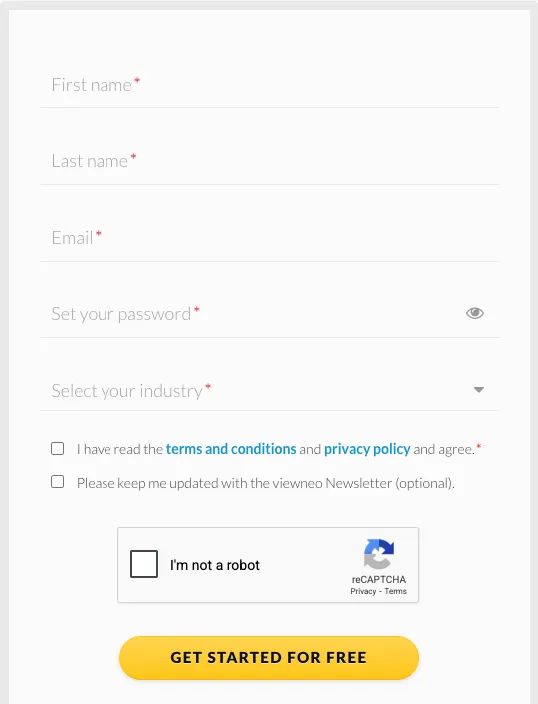
Section titled “Step 1: Register”Go to the viewneo registration page and create an account by entering your email address and choosing a password.
Step 2: Confirm Your Email
Section titled “Step 2: Confirm Your Email”After registration, you will receive a confirmation email. Click the verification link in the email to activate your account.
Step 3: Log In
Section titled “Step 3: Log In”Once your account is confirmed, log in at cloud.viewneo.com with your email and password.
Trial Period
Section titled “Trial Period”Every new account automatically receives a 30-day free trial with full access to all features and plugins. No credit card is required. See Trial Period for more details.
After the trial, you can choose a subscription plan that fits your needs. See Plans & Subscriptions for pricing information.