
YouTube
With the YouTube plugin you play a YouTube video directly without downloading it.
Book the plugin under Plugins and assign it to the devices on which it should run. Then create the content in the Media library via Add › Plugins › YouTube.
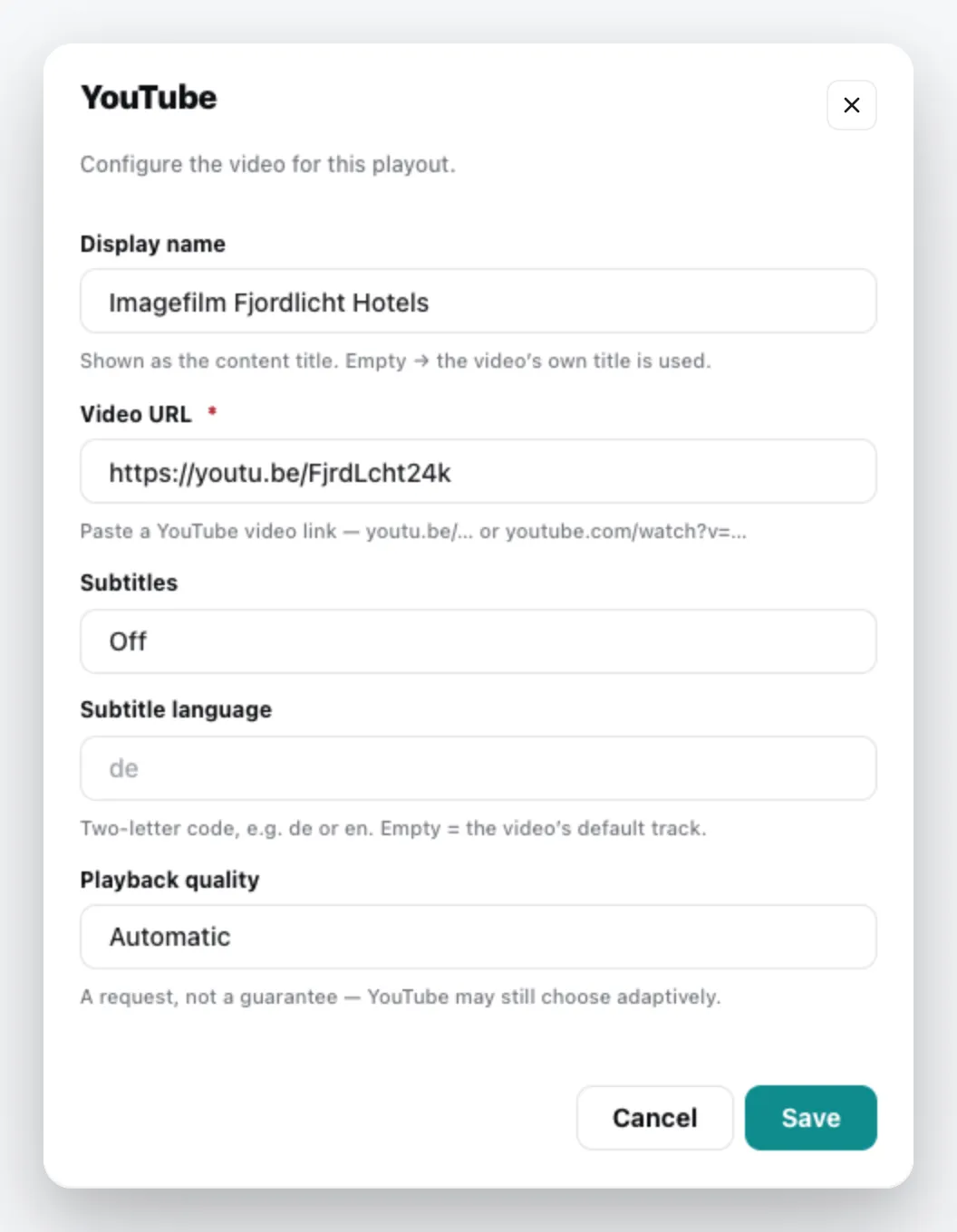
| Field | Meaning |
|---|---|
| Display name | Title of the content. Empty = the title of the video. |
| Video URL | the link to the video, e.g. youtu.be/… or youtube.com/watch?v=… |
| Subtitles | On or Off |
| Subtitle language | two-letter code, e.g. de or en. Empty = the video’s default track. |
| Playback quality | Automatic or Maximum – a request, not a guarantee: YouTube may still choose differently. |
The content appears in the media library; add it to a playlist like any other content. You can change it via the context menu › Edit. General information under Content plugins.