
Content plugins
Content plugins provide content that updates itself – the weather, the stock market, posts from social networks, appointments from a calendar. You create them in the media library and use them in playlists like any other content.
Requirements
Section titled “Requirements”- The plugin is booked – on the Plugins page or under Plan & billing (see Plugins).
- The plugin is assigned to the devices on which the content should run (see Plugins on the device).
Create content
Section titled “Create content”- In the Media library, open the target folder.
- Click Add › Plugins and select the plugin.
- Configure the content in the dialog, e.g. the city for Weather, and click Save.
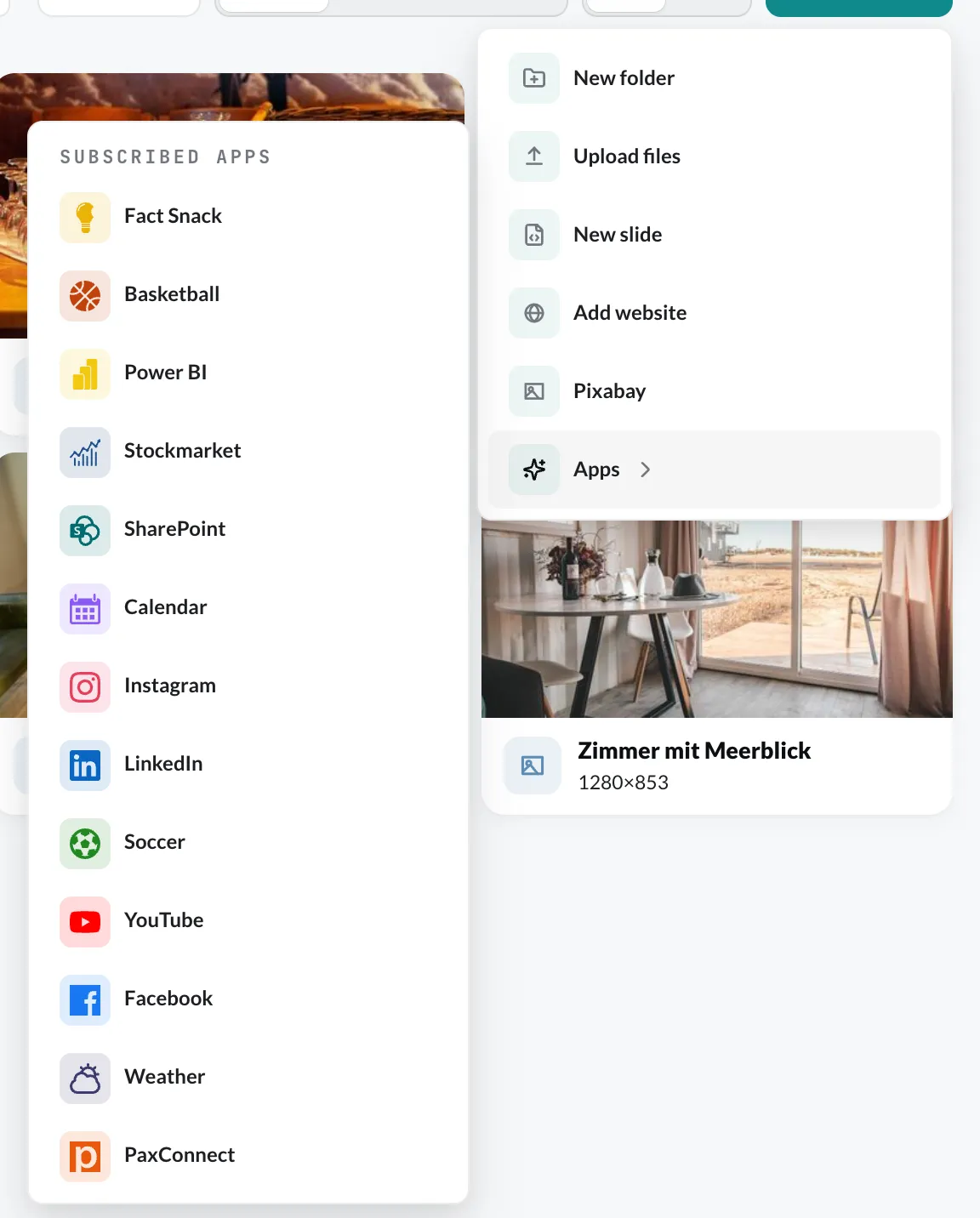
The content then appears in the media library. Add it to a playlist like any image or video. You can change it at any time via the context menu › Edit.
The content plugins
Section titled “The content plugins”| Plugin | Shows |
|---|---|
| contboxx | AI news, weather, sports, departures, pollen, traffic and games – for the whole account |
| Weather | Weather and forecast for a city |
| YouTube | a YouTube video |
| Posts from a Facebook page | |
| Posts from an Instagram account | |
| Posts from a LinkedIn company page | |
| Calendar | Appointments from Google Calendar or Outlook |
| SharePoint | Lists, news or documents from a SharePoint site |
| Power BI | a Power BI report or dashboard |
| Stock market | Prices of stocks and indices |
| Soccer | Standings or matches of a league |
| Basketball | Standings or games of the NBA |
| Fact Snack | Bite-sized facts, quotes and quiz questions |
| paxconnect | Travel offers from PaxLounge |