
Multiframe
With Multiframe you split a screen into several areas (frames). Each frame plays its own playlist at the same time – e.g. the daily schedule on the left, the weather on the right.
Book the plugin under Plugins and assign it to the device (see Plugins on the device). The Multiframe section then appears in the settings of the device or group.
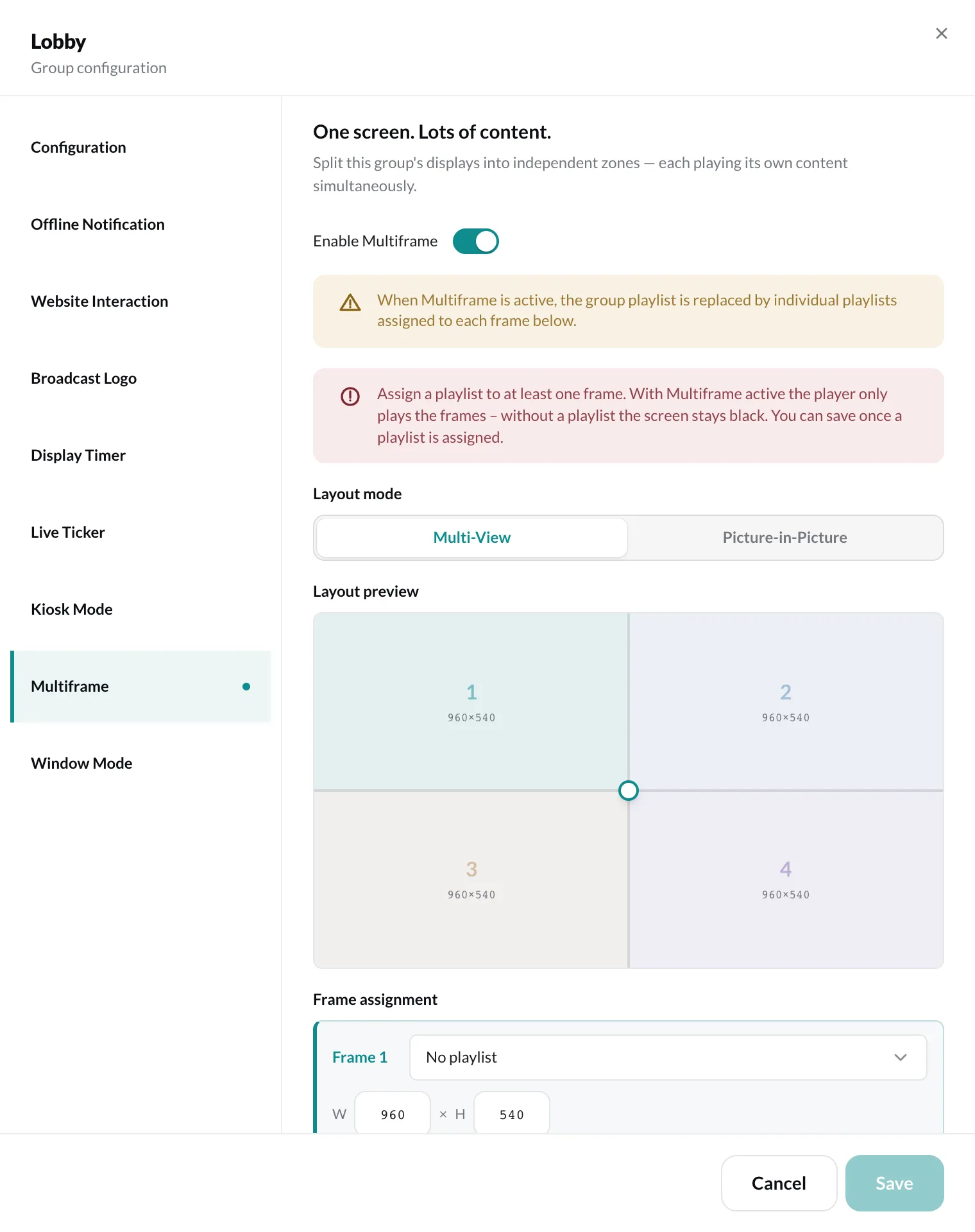
Set up
Section titled “Set up”- Turn on Enable Multiframe.
- Choose the Layout mode:
- Multi-View – the screen is split into equal frames.
- Picture-in-Picture – a large frame (Main) and a small one inside it (PiP).
- Move the dividers in the Layout preview with the mouse, or enter the width (W) and height (H) for each frame under Frame assignment.
- Assign a playlist to each frame under Frame assignment.
- Click Save.