
Live View
With Live View you see in the CMS which content is currently running on a device – useful for checking screens remotely.
Book the plugin under Plugins and assign it to the device (see Plugins on the device). After assigning, it may take a moment to take effect.
Open Live View
Section titled “Open Live View”Under Devices, right-click a device and choose Live View.
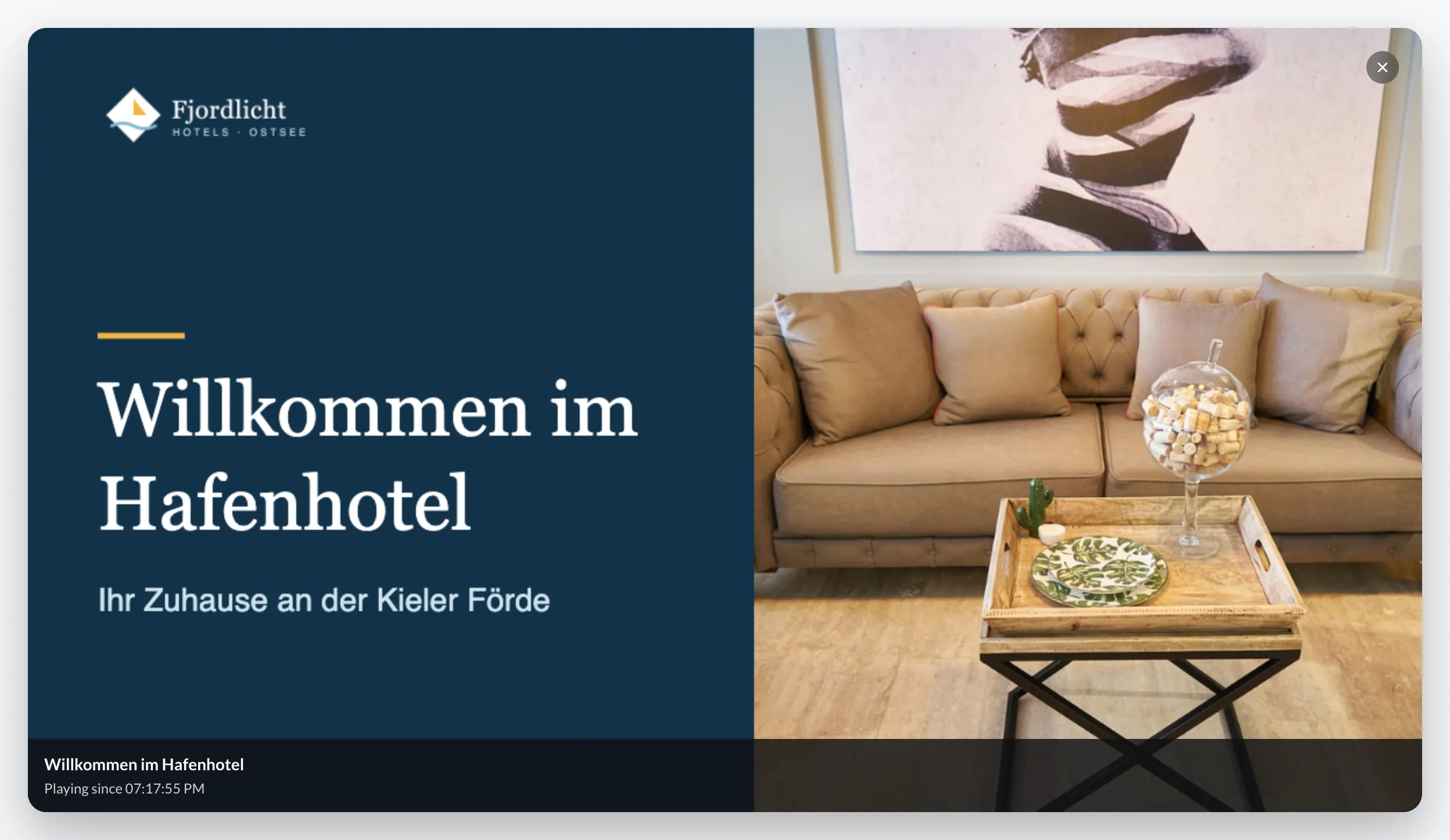
The dialog shows the running content and since when it has been running. It refreshes every 5 seconds. If the device isn’t playing anything at the moment, the dialog says so.