
Define placeholders
A Template only becomes useful through placeholders: they determine which text and images can be replaced when a Slide is created. Everything else stays as you designed it.
Mark an element as a placeholder
Section titled “Mark an element as a placeholder”- Open the Template in the Designer.
- In the Layers, select a text or an image.
- In the properties, turn on Placeholder.
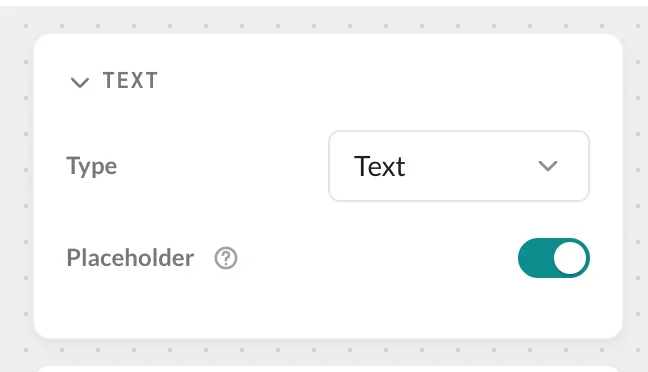
The label under which the placeholder later appears in the form is the layer name. So give your layers meaningful names – “Heading”, “Image”, “Time” instead of “Text 3”. You can rename a layer via its context menu.
Placeholders are possible for texts of the type Text and for images. Feed, counter or time fields fill themselves and are not placeholders.
Next: Create Slides from Templates.