
Media files
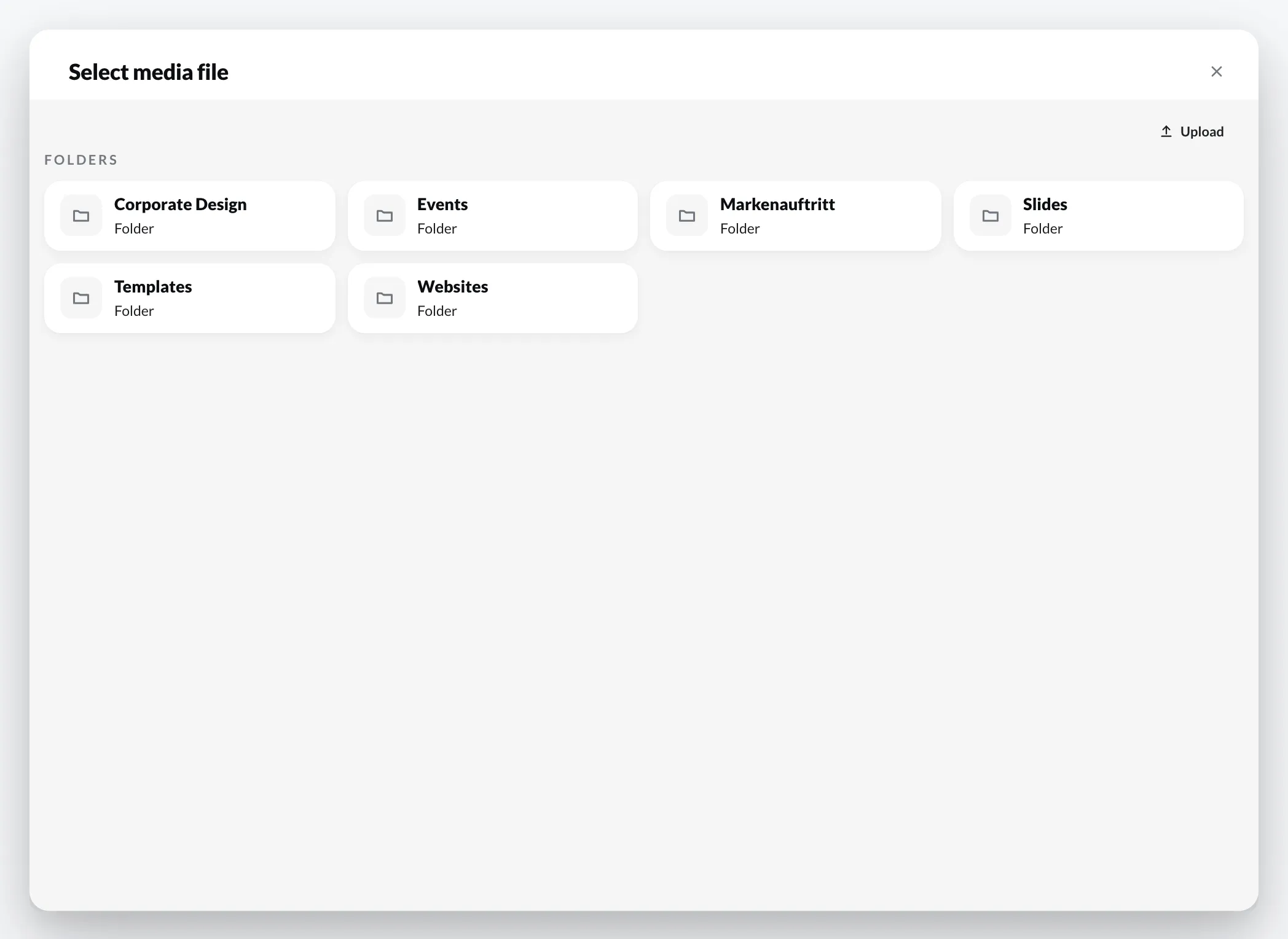
Via + › Media file you choose an image or video from your media library – or upload a new file directly.
Settings
Section titled “Settings”In the Media section of the properties:
| Setting | Meaning |
|---|---|
| Display | how the image fills the area, e.g. Fill (cover) – fills the area and crops edges that stick out |
| Placeholder | makes the image replaceable in a Template – see Define placeholders |
Under Appearance you will find Opacity, Corner radius, Border width and Border colour, a Colour overlay with its own opacity, and Blur.
Sound: whether a video plays with sound is set on the entry in the playlist (Audio, see Fill a playlist).