
Pixabay
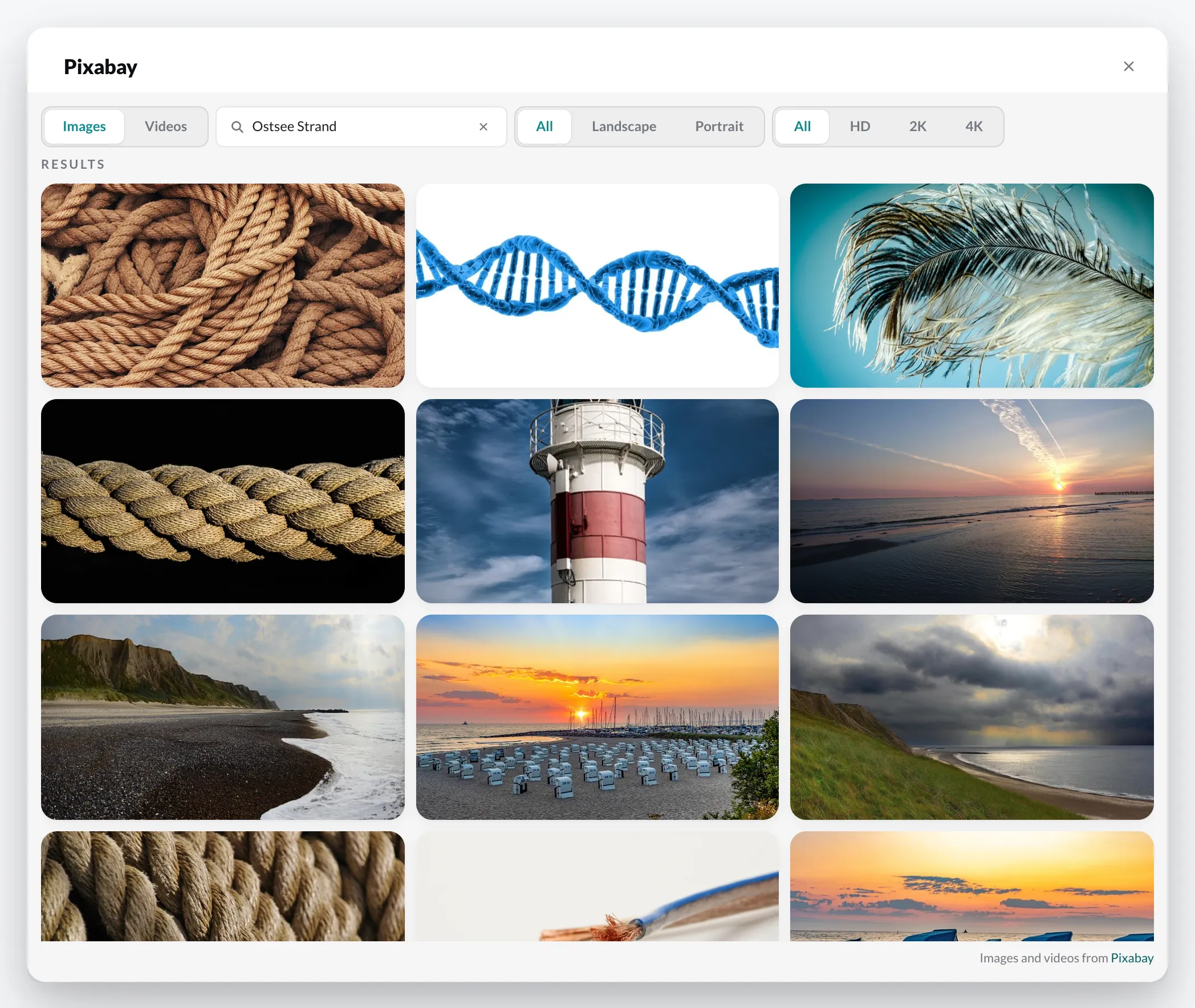
Pixabay offers freely usable images and videos. You can bring them straight into your media library.
- In the Media library, open the target folder.
- Click Add › Pixabay.
- At the top, choose Images or Videos and enter a search term. Without a search, the dialog shows Trending on Pixabay.
- If needed, narrow down the results with Orientation (All, Landscape, Portrait) and Minimum resolution.
- Select one or more results and click Add.
The files are placed in the selected folder and then behave like your own uploads. Videos go through the same processing.
You will also find Pixabay in the Designer: + › Pixabay (see Adding elements).