
SharePoint
The SharePoint plugin shows a list, news posts or documents from a SharePoint site in Microsoft 365.
Book the plugin under Plugins and assign it to the devices on which it should run. Then create the content in the Media library via Add › Plugins › SharePoint.
Connect an account
Section titled “Connect an account”Click Connect SharePoint and sign in with your Microsoft 365 account.
Settings
Section titled “Settings”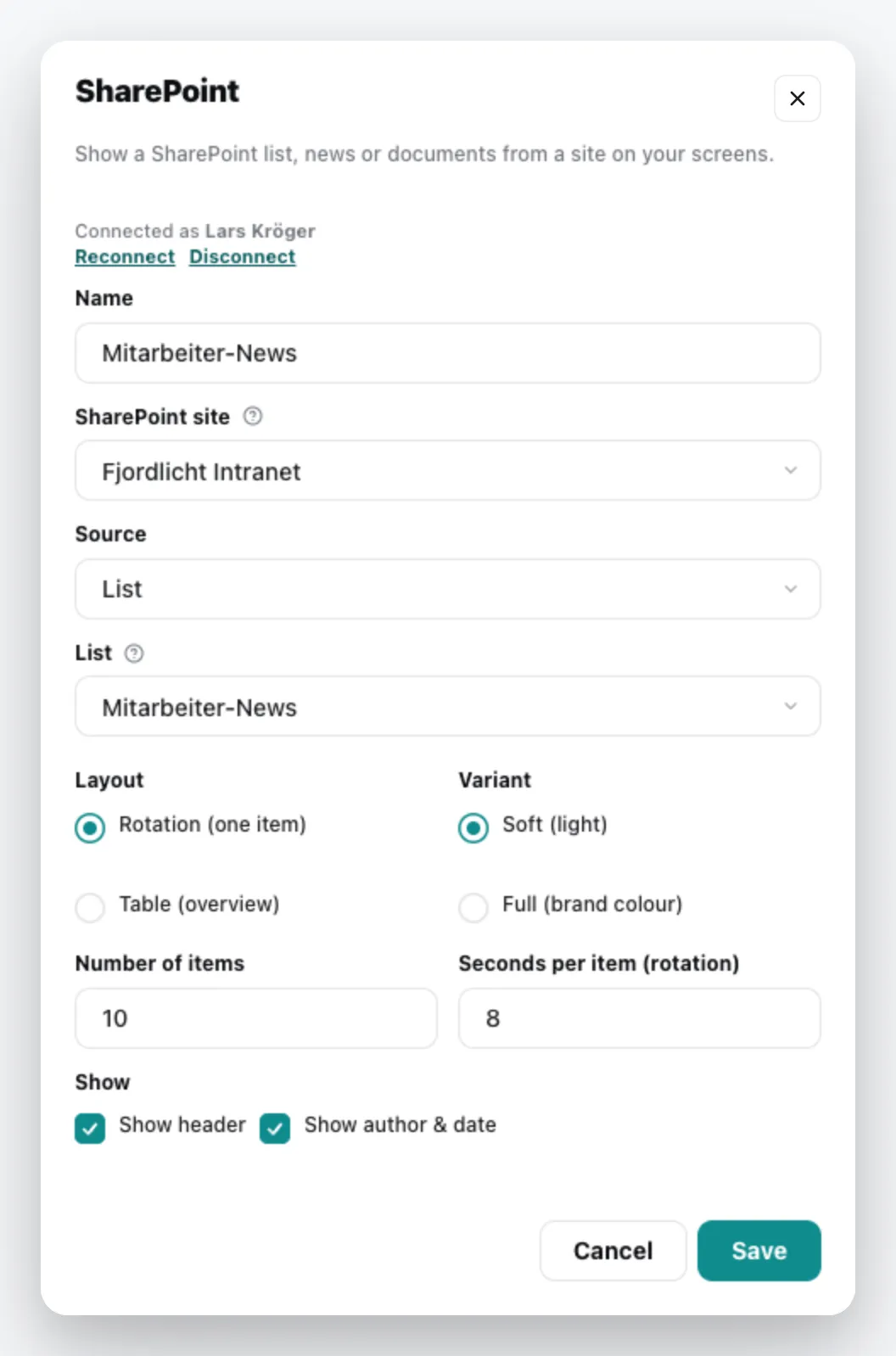
| Field | Meaning |
|---|---|
| Name | Title of the content |
| SharePoint site | the site the content comes from |
| Source | List, News posts or Documents (slideshow) – you then choose the list or library |
| Layout | Rotation (one item) or Table (overview) |
| Variant | Soft (light) or Full (brand colour) |
| Number of items, Seconds per item (rotation) | how many items are loaded and how long each one is shown in rotation |
| Show | Show header, Show author & date |
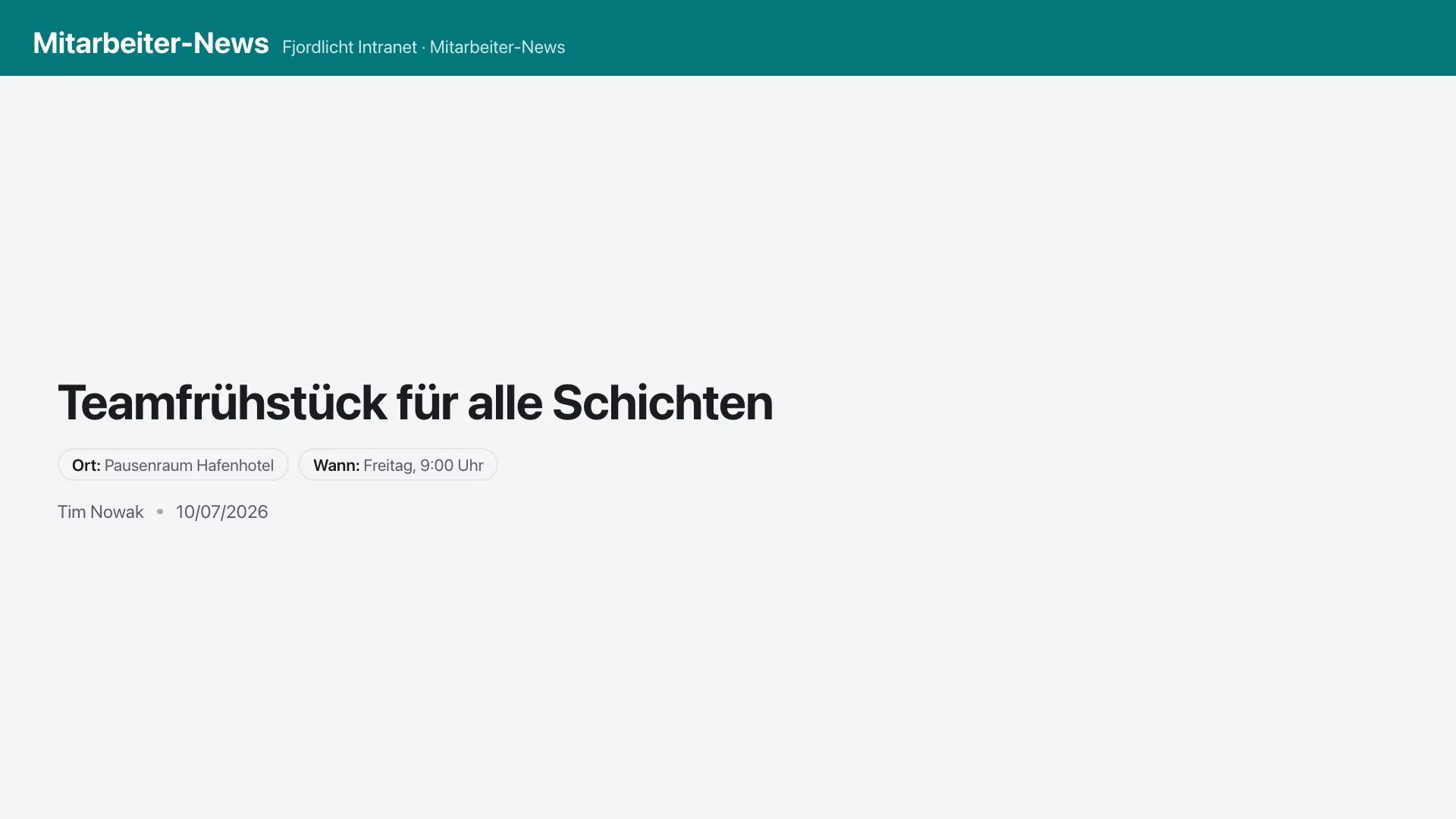
The content appears in the media library; add it to a playlist like any other content. You can change it via the context menu › Edit. General information under Content plugins.