
The LinkedIn plugin shows the posts of your LinkedIn company page – for example in the lobby or the office.
Book the plugin under Plugins and assign it to the devices on which it should run. Then create the content in the Media library via Add › Plugins › LinkedIn.
Connect an account
Section titled “Connect an account”The first time, you connect your LinkedIn account. You can choose from the company pages on which you are an admin; with Reload pages you refresh the list.
Settings
Section titled “Settings”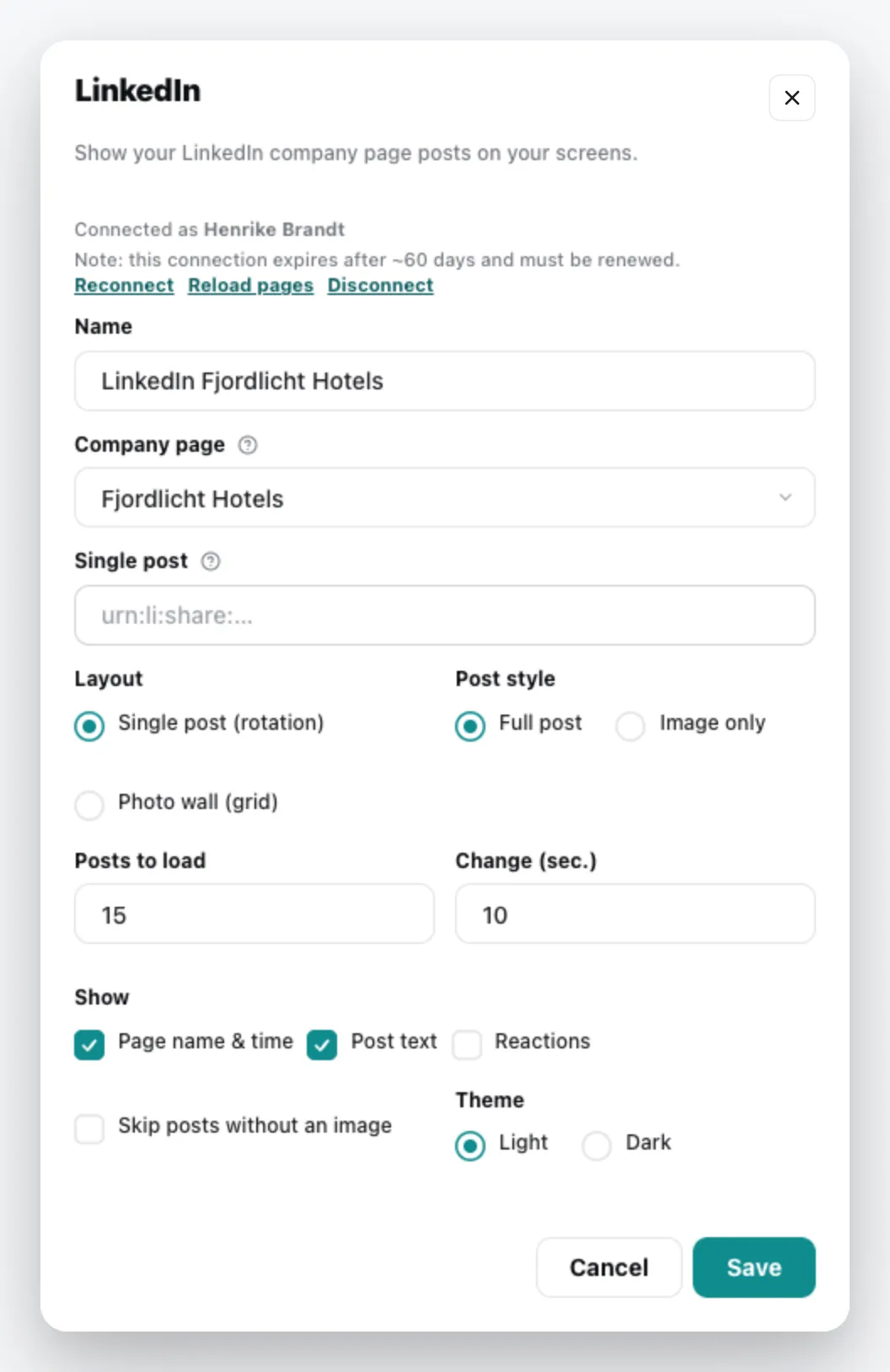
| Field | Meaning |
|---|---|
| Name | Title of the content |
| Company page | the page whose posts appear |
| Single post | optionally the identifier (URN) of a specific post, e.g. urn:li:share:…. Empty = the page’s feed. |
| Layout | Single post (rotation) or Photo wall (grid) |
| Post style | Full post or Image only |
| Posts to load | how many of the latest posts are loaded |
| Change (sec.) | seconds per post in rotation |
| Show | Page name & time, Post text, Reactions; plus Skip posts without an image |
| Theme | Light or Dark |
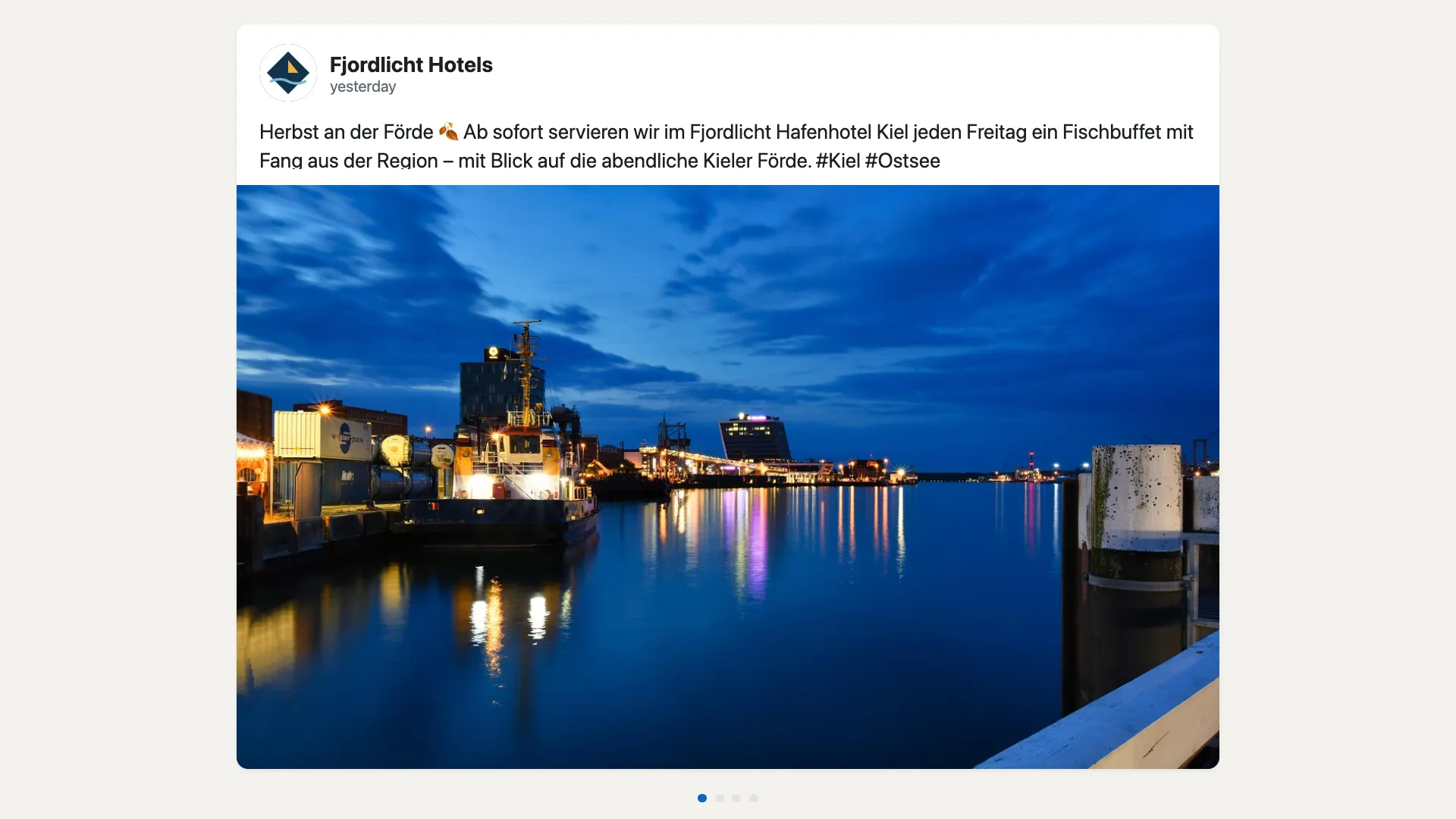
The content appears in the media library; add it to a playlist like any other content. You can change it via the context menu › Edit. General information under Content plugins.