
Website Interaction
Website Interaction turns a touch screen into an information point: when someone taps the screen, the playlist pauses and a website opens in full screen. If the screen isn’t touched for a while, the playlist continues by itself.
Book the plugin under Plugins and assign it to the device (see Plugins on the device). The Website Interaction section then appears in the settings of the device or group.
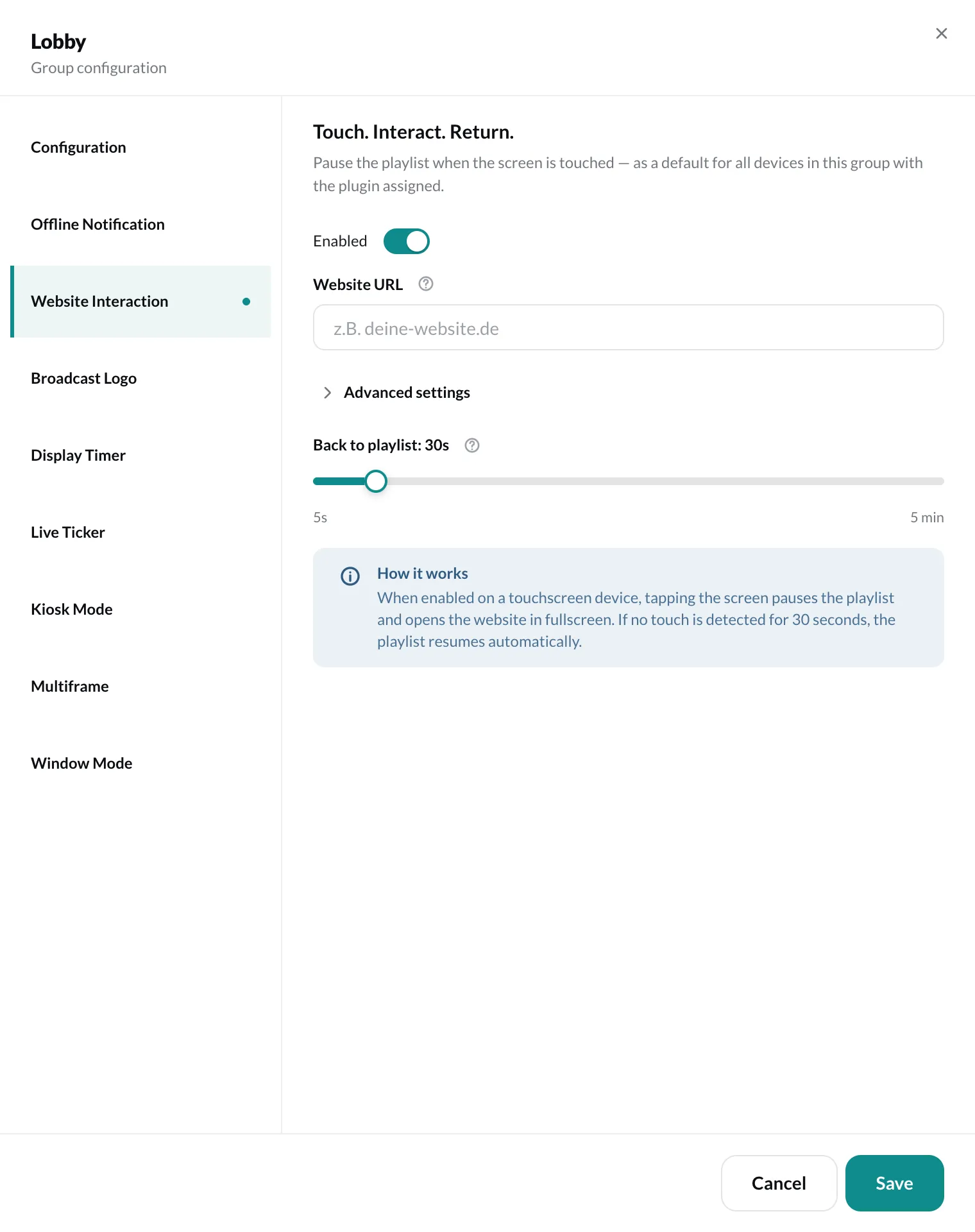
Settings
Section titled “Settings”- Enabled – turns the feature on or off.
- Website URL – the page that opens on touch.
- Advanced settings – Username and Password for password-protected pages. The player uses them to sign in to this website only.
- Back to playlist – after how many seconds without touch the playlist continues (5 seconds to 5 minutes).
Finally, click Save.