
Video
You upload videos just like images via Media library › Add › Upload files.
Formats
Section titled “Formats”MP4, WebM, MOV, AVI, MKV, WMV, FLV, MPEG, 3GP, OGV, TS and M4V.
Processing
Section titled “Processing”After uploading, the CMS converts every video to MP4 (H.264) – in versions for different players, up to 4K. This way a video runs smoothly on every player without you having to worry about codecs. While this is in progress, the tile shows Processing with the progress:
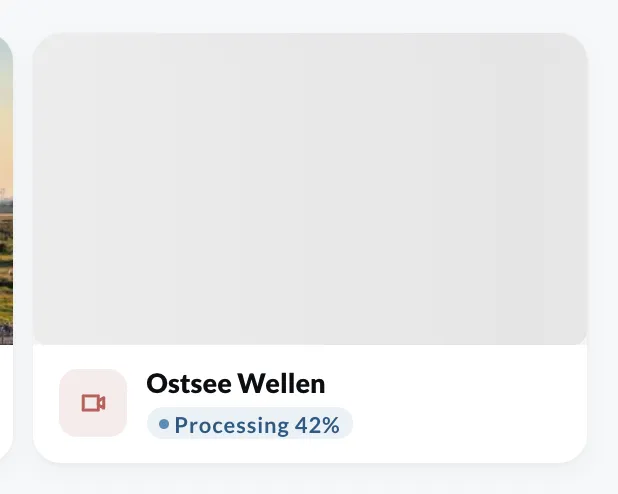
You can only add a video to a playlist once it is ready. If the conversion fails, the tile shows Failed.
Whether a video plays with sound is set on the entry in the playlist (Audio, see Fill a playlist). The volume is set on the device (see Device settings).