
Weather
The Weather plugin shows the weather for a city with a forecast for the next few days and updates itself.
Book the plugin under Plugins and assign it to the devices on which it should run. Then create the content in the Media library via Add › Plugins › Weather.
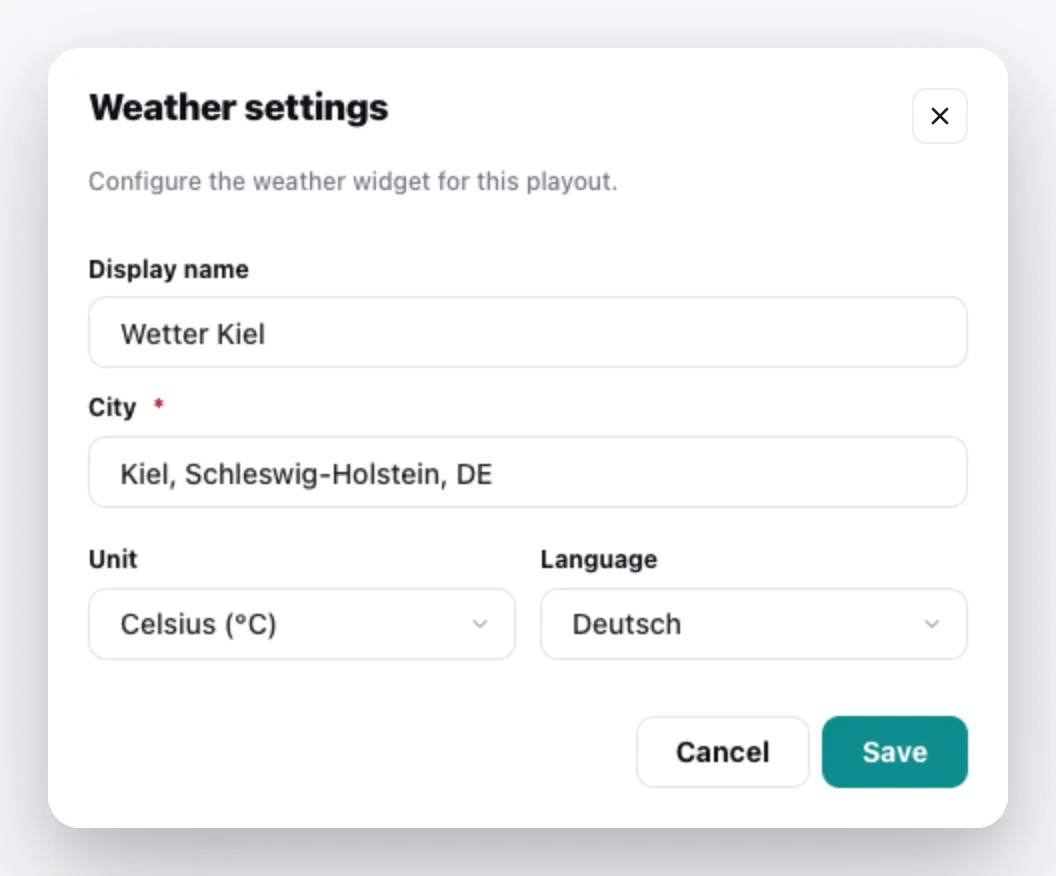
| Field | Meaning |
|---|---|
| Display name | Title of the content. Empty = the city name. |
| City | Type the name and select the city from the list. |
| Unit | Celsius (°C) or Fahrenheit (°F) |
| Language | Language of the display |
This is what the content looks like on the screen:
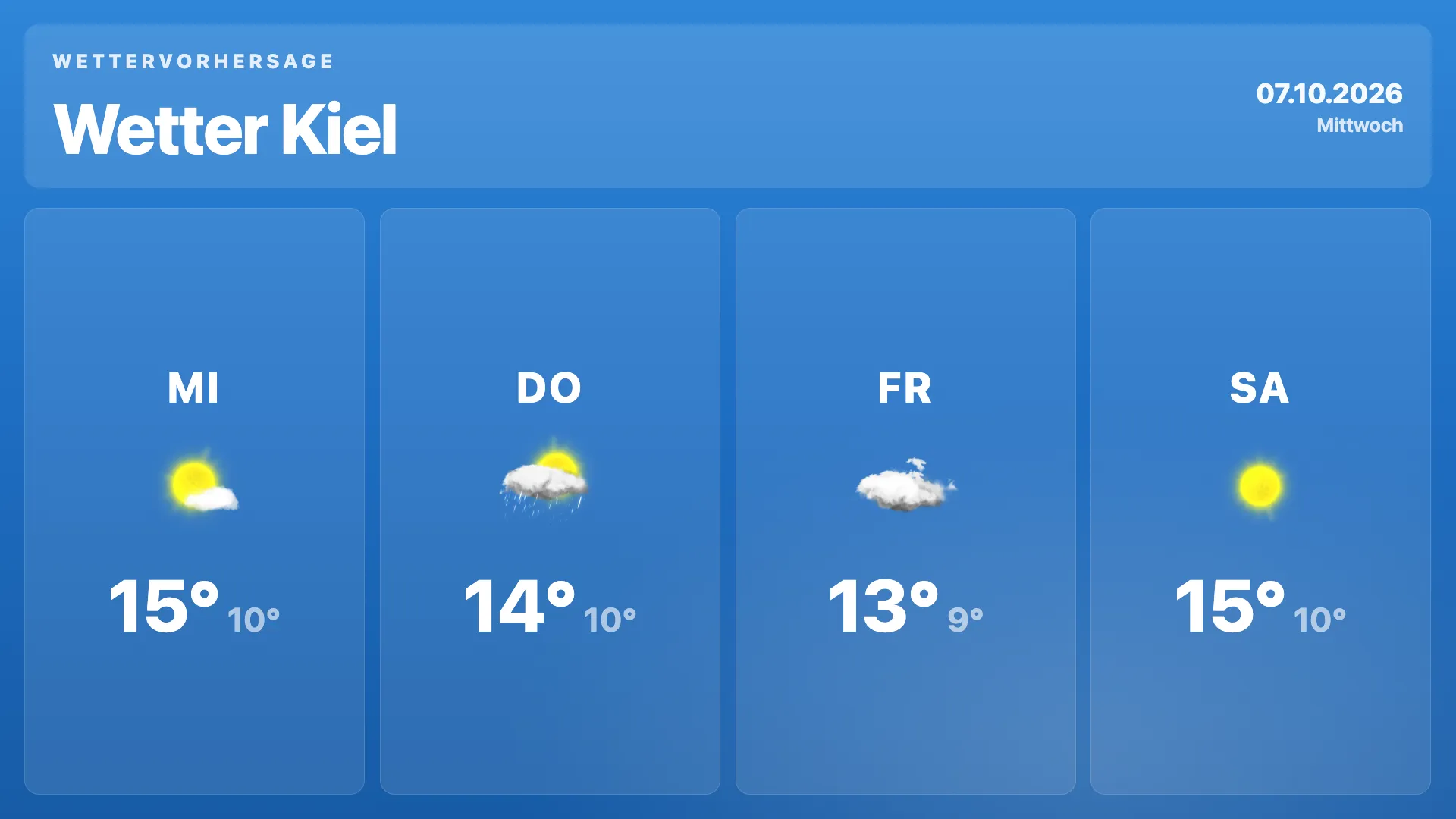
The content appears in the media library; add it to a playlist like any other content. You can change it via the context menu › Edit. General information under Content plugins.