
paxconnect
paxconnect shows travel offers from PaxLounge full-screen – a different offer on every playback. You need a PaxLounge booking code for this.
Book the plugin under Plugins and assign it to the devices on which it should run. Then create the content in the Media library via Add › Plugins › PaxConnect.
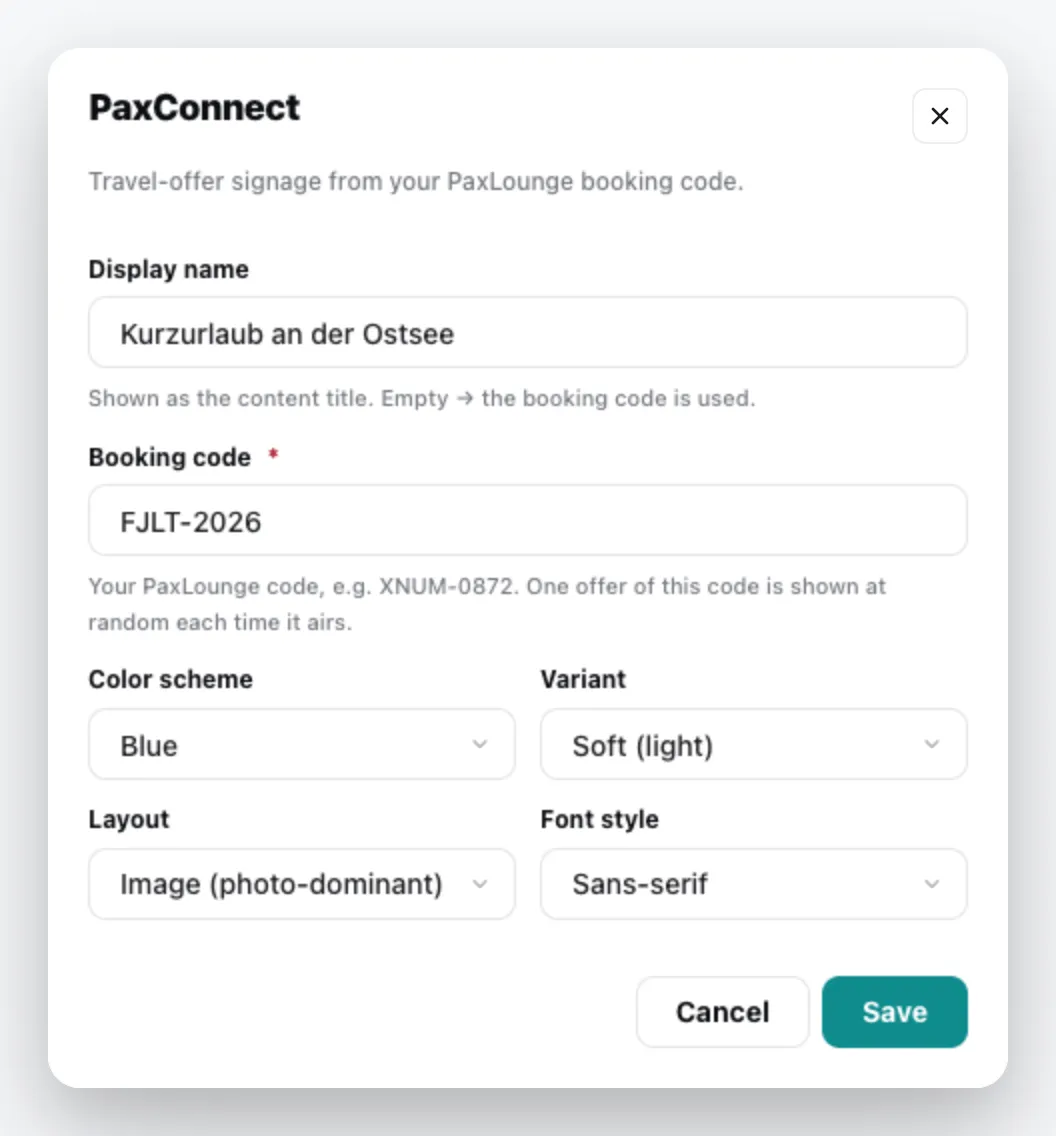
| Field | Meaning |
|---|---|
| Display name | Title of the content. Empty = the booking code. |
| Booking code | your PaxLounge code in the format ABCD-1234. A random offer for this code is shown. |
| Color scheme | Blue, Green, Orange, Magenta or Red |
| Variant | Soft (light) or Full (solid colour) |
| Layout | Image (photo-dominant), Split or Editorial |
| Font style | Sans-serif, Serif, Fancy or Handwritten |
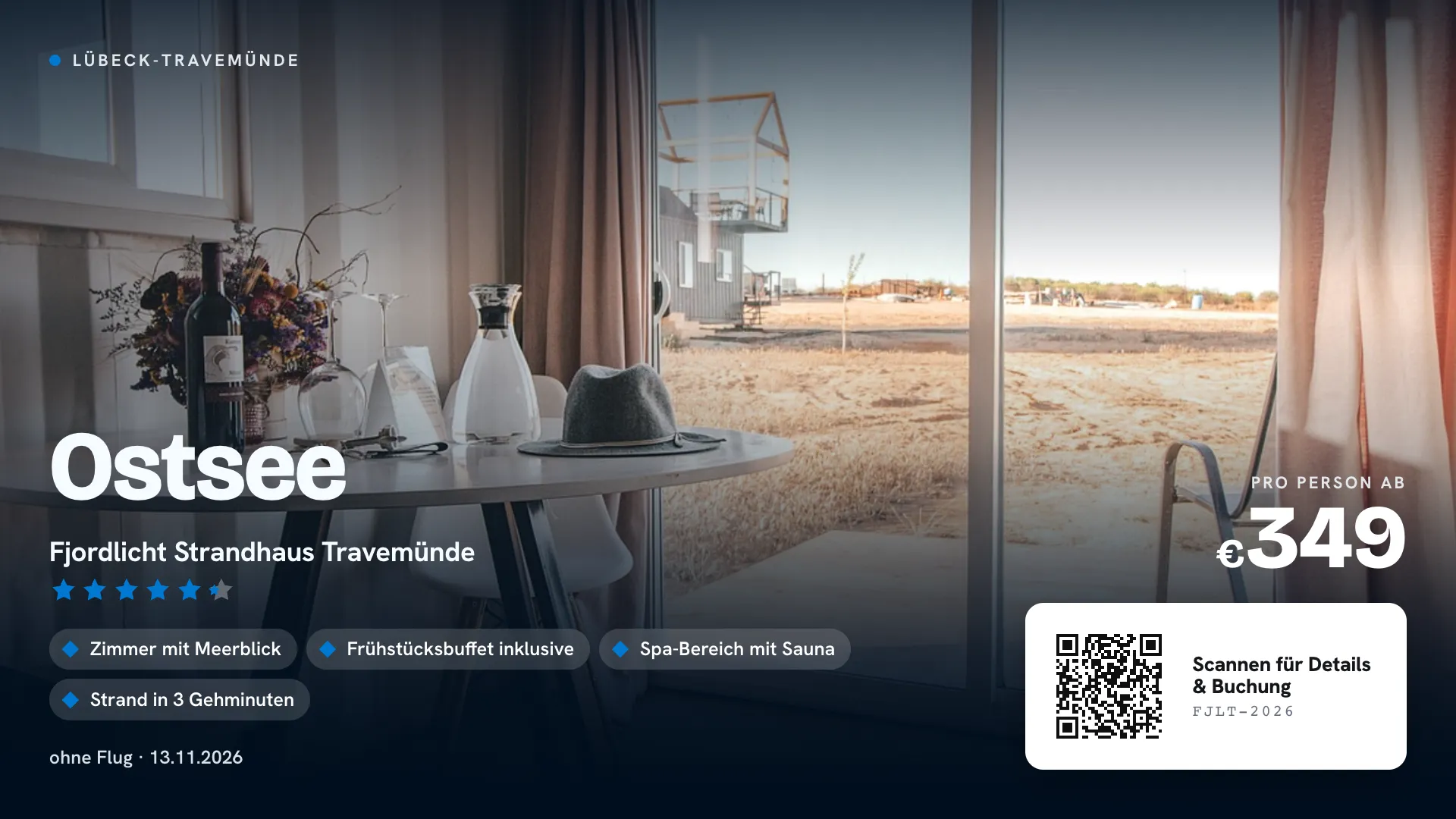
The content appears in the media library; add it to a playlist like any other content. You can change it via the context menu › Edit. General information under Content plugins.