
Fact Snack
Fact Snack provides short entertainment for waiting areas: facts, quotes, quiz questions and more – new on every playback.
Book the plugin under Plugins and assign it to the devices on which it should run. Then create the content in the Media library via Add › Plugins › Fact Snack.
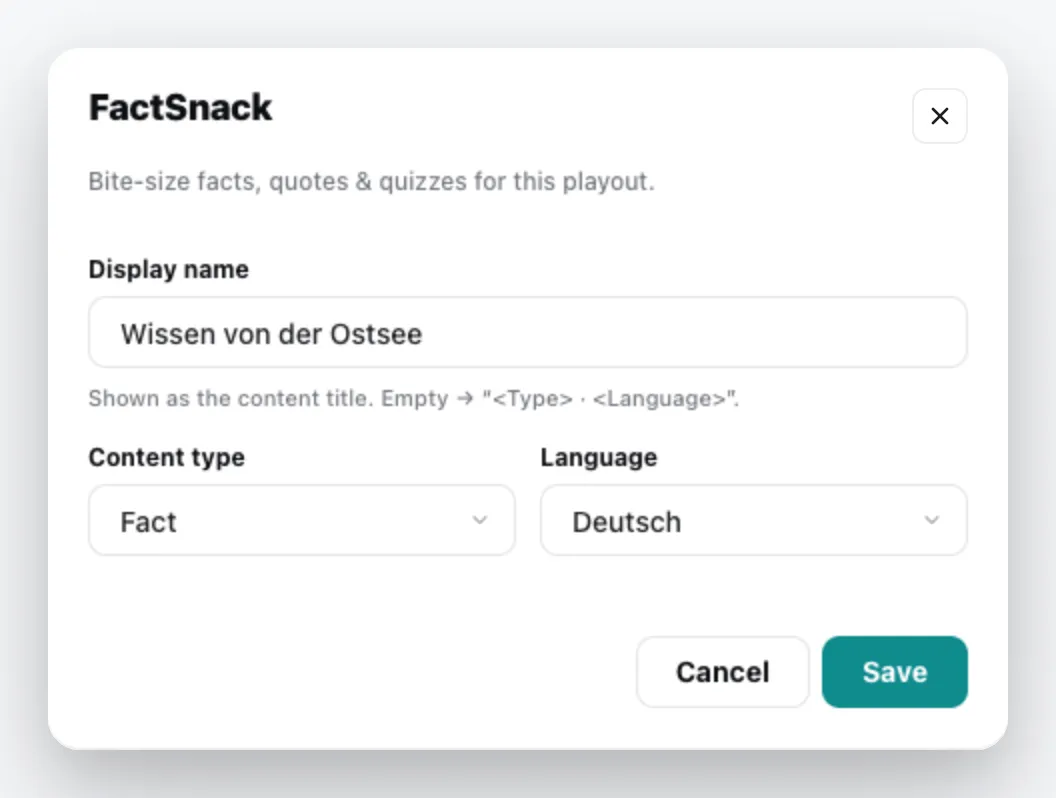
| Field | Meaning |
|---|---|
| Display name | Title of the content. Empty = content type and language. |
| Content type | Fact, Quote, Today in Numbers, Today in History or Quiz |
| Language | Language of the content |
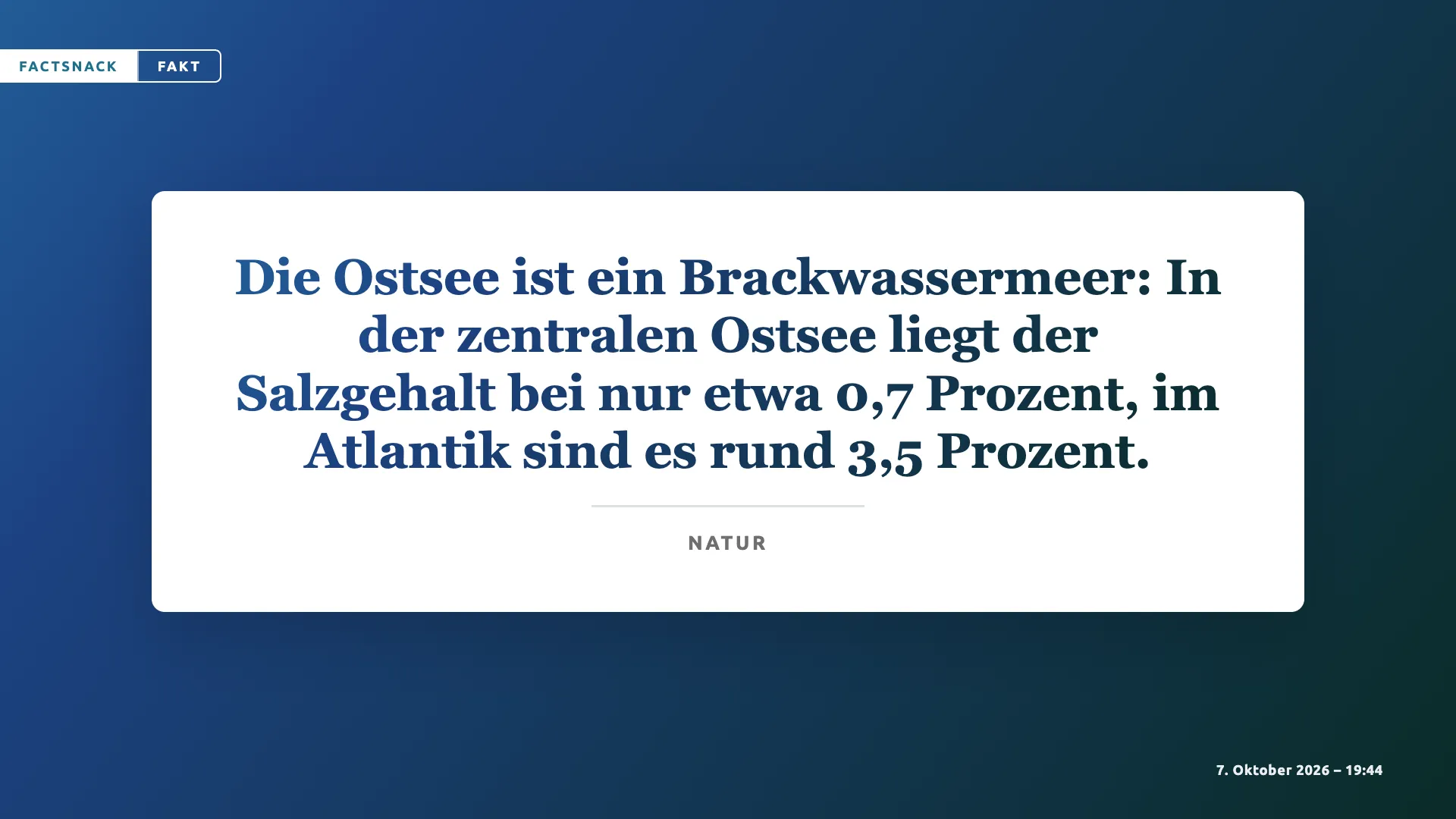
The content appears in the media library; add it to a playlist like any other content. You can change it via the context menu › Edit. General information under Content plugins.