
The Instagram plugin shows posts from your Instagram account or public posts for a hashtag.
Book the plugin under Plugins and assign it to the devices on which it should run. Then create the content in the Media library via Add › Plugins › Instagram.
Connect an account
Section titled “Connect an account”The first time, click Connect Instagram and sign in to Instagram. With Disconnect you remove the connection again; Instagram content you have already created will no longer show anything afterwards. You remove the authorization in your Instagram account there under Settings › Apps and websites.
Settings
Section titled “Settings”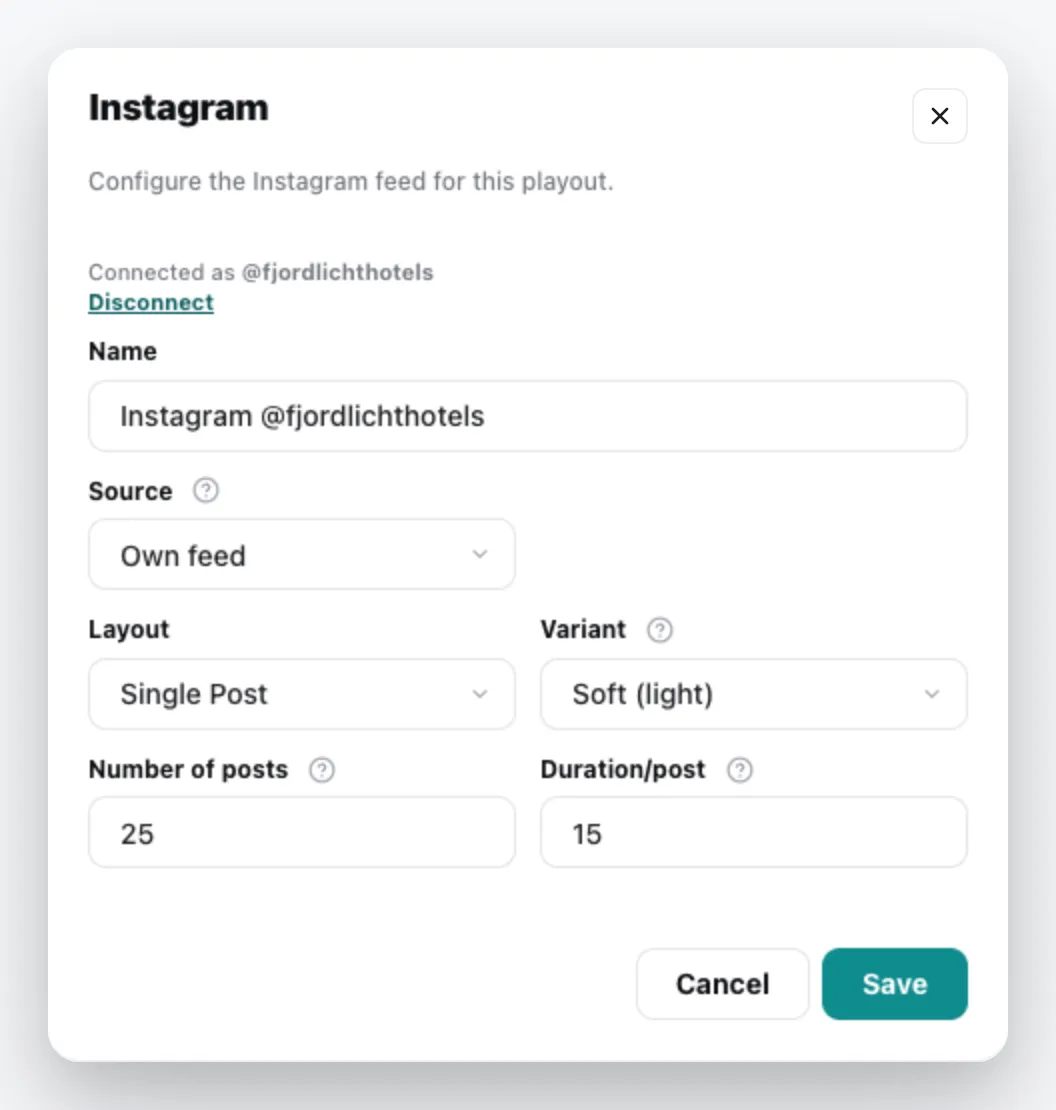
| Field | Meaning |
|---|---|
| Name | Title of the content |
| Source | Own feed – the posts of the connected account – or Hashtag |
| Hashtags | for the Hashtag source: one or more keywords, each confirmed with Enter, comma or space |
| Layout | Single Post, Grid or PhotoWall (with a Gradient behind it) |
| Variant | only for Single Post: Soft (light) shows a card with a caption, Full (fullscreen) fills the screen |
| Number of posts | how many of the latest posts are loaded (1–50) |
| Duration/post | seconds per post, only for Single Post (3–120) |
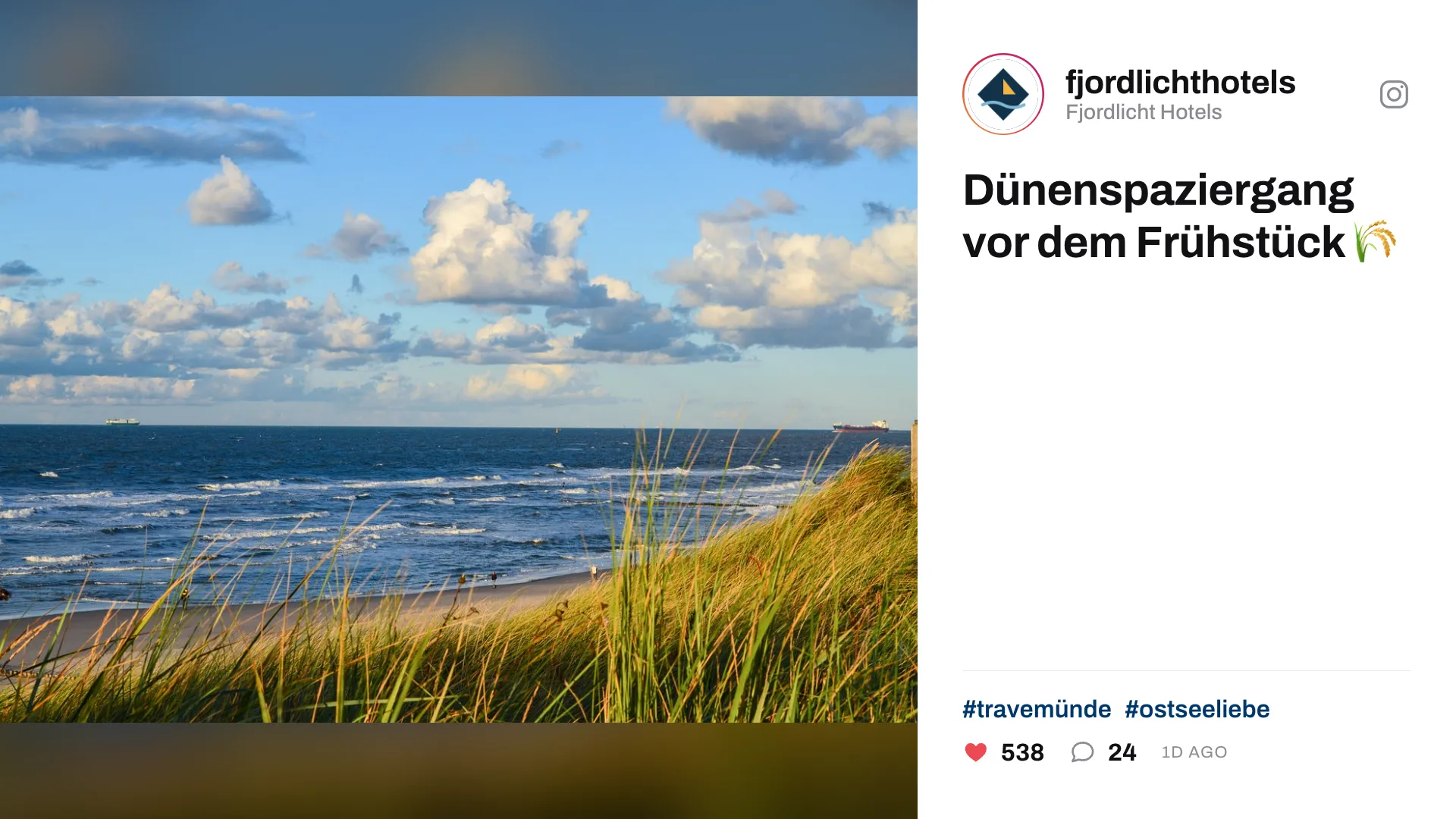
The content appears in the media library; add it to a playlist like any other content. You can change it via the context menu › Edit. General information under Content plugins.