
Kiosk Mode
Kiosk Mode protects devices in unattended locations: anyone who wants to open the device menu must first enter a PIN.
Book the plugin under Plugins and assign it to the device (see Plugins on the device). The Kiosk Mode section then appears in the settings of the device or group.
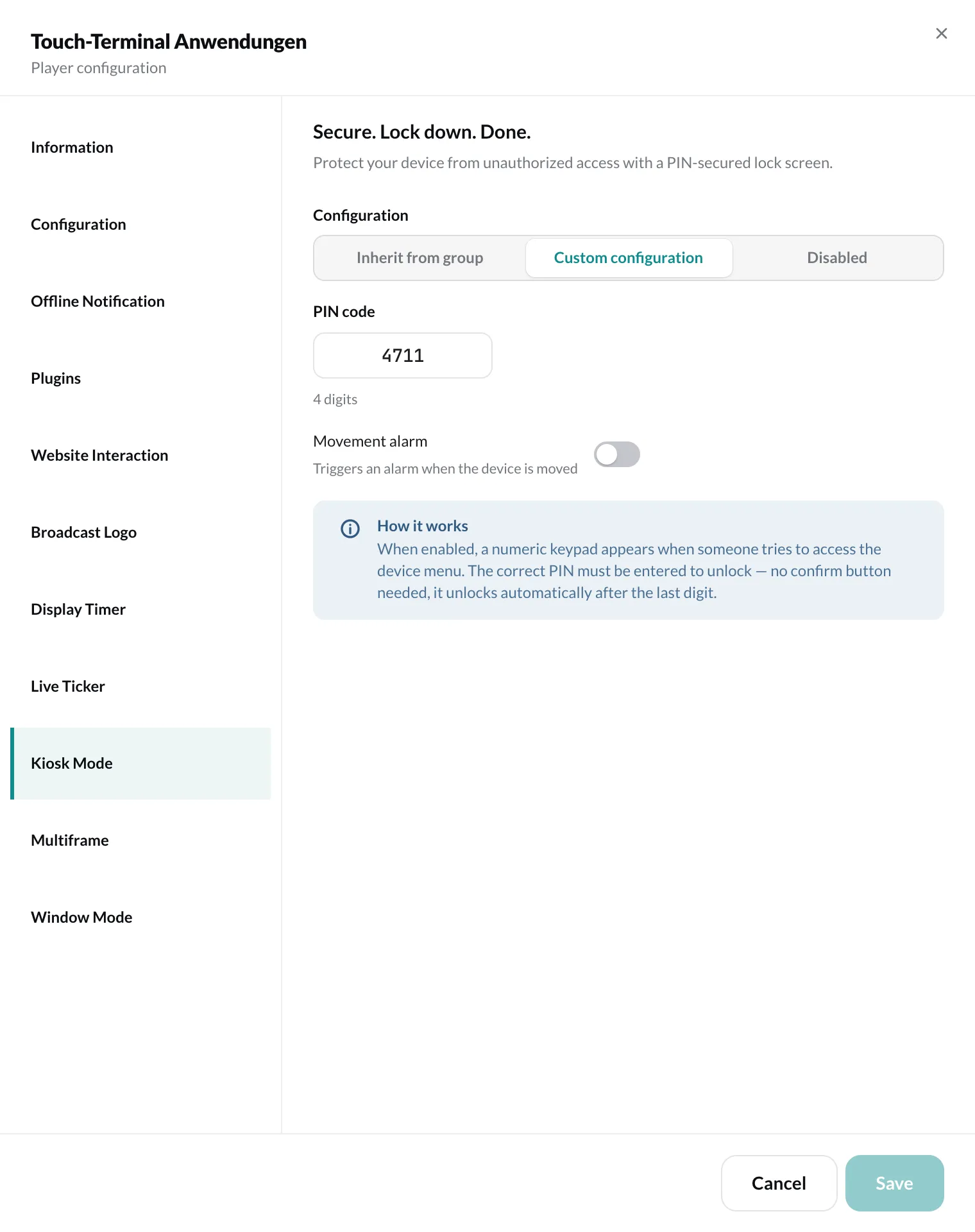
Settings
Section titled “Settings”- Enable access protection – turns on the PIN prompt.
- PIN code – 4 to 20 digits.
- Movement alarm – triggers an alarm when the device is moved. You set the Sensitivity from Low to High.
Finally, click Save.
How it works on the device
Section titled “How it works on the device”As soon as someone tries to open the device menu, a keypad appears. After the last correct digit, the device unlocks by itself – no confirmation button is needed.