
Plugins
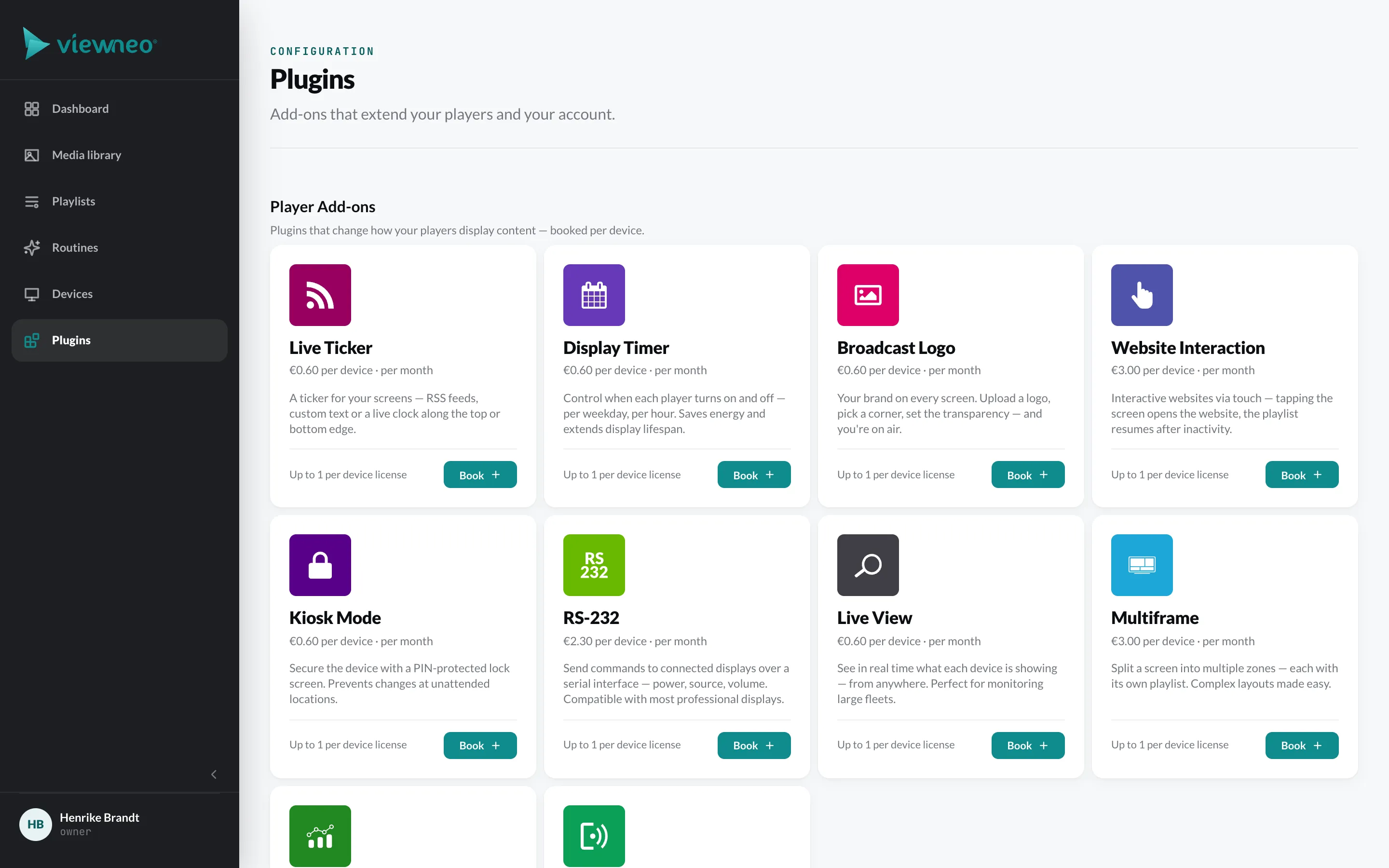
Plugins extend viewneo with additional features. You book them on the Plugins page in the CMS. There they are listed in four groups; each tile shows the price and description.
The groups
Section titled “The groups”Player add-ons change how your players display content. They are booked per device: Live Ticker · Display Timer · Broadcast Logo · Website Interaction · Kiosk Mode · Live View · Multiframe · Routines with the options Smart Playback and Touch
Content plugins provide content that updates itself – weather, social networks, sports, finance, calendars. How to create them is described under Content plugins.
Reporting – Reports with the Extended option for twelve months of history.
Account-wide plugins are Template and API, as well as Enterprise and White Label.
Book a plugin
Section titled “Book a plugin”- Open Plugins and click Book on the tile.
- Set the Quantity. At most one is possible per player license. If the plugin has options, select them as well.
- Confirm with Save.
Booked tiles show how many are booked and to how many devices they are assigned; with Manage you change the quantity. A booked player add-on or content plugin only takes effect once you assign it to a device.
If you reduce the quantity below the number of assigned devices, you must remove the plugin from individual devices in the next step. All prices are listed under Plans & subscriptions.