Skip to content
viewneo Docs
Ctrl
K
YouTube
Select theme
Dark
Light
Auto
Select language
English
Deutsch
Italiano
Español
Français
Getting Started
What is viewneo?
Software
Hardware overview
Network requirements
Create an account
Plans & subscriptions
Trial period
Content & Media
Media library – Overview
Static Content
Images
Video
Content Designer
Slides & Templates
Slide or Template?
Create Slides from Templates
Define placeholders
Designer basics
Adding elements
Text elements
Media files
Shapes
Touch interaction
Dynamic Content
RSS feeds
Websites as content
Live video streaming
Unreachable addresses
Pixabay
Content plugins
AI image generator
Delete content
Playlists
Create a new playlist
Fill a playlist
Scheduling content
Minimum frequency
Nested Playlists
Nested playlists
Example: ad block
Multiple playlists on a schedule
Routines
Routines – Overview
Triggers
Filters
Actions
Execution log
Synchronize screens
Devices & Device Groups
Create a device group
Activate a device
Device settings
Run a video wall with a controller
Plugins on the device
Plugins
Plugins
Content Plugins
contboxx
YouTube
Weather
Soccer
paxconnect
Fact Snack
Instagram
Facebook
Basketball
Power BI
Stock market
SharePoint
LinkedIn
Calendar
Function Plugins
Display Timer
Kiosk Mode
Live Ticker
Template
Live View
Website Interaction
Broadcast Logo
Reports
Multiframe
Routines
Integration & Automation
API
IoT & Sensors
IoT & Sensors – Overview
Butler (Zigbee Gateway)
What Is the Butler?
Activate the Butler
Pair Zigbee Devices
Manage Devices
Butler Events
Butler Firmware
RFID Hub
What is an RFID hub?
Connect an RFID hub
Readers
Learn tags
RFID in routines
Troubleshooting
User Management
Roles
Invite users
Manage permissions
viewneo Enterprise
viewneo Enterprise
Switch to Enterprise
Manage sub-accounts
Share folders
Share playlists
Mandatory playlists
White Label
Software Player
viewneo for Android
viewneo for Android
Developer Menu (Expert Settings)
viewneo for Windows
viewneo for iOS
Hardware
Hardware Overview
viewneo SignageBox v1
viewneo 4K SignageBox
Installation
Reset
viewneo SignageBox v2
viewneo 4K SignageBox II
Installation
Reset
viewneo SignageBox v3
viewneo 4K SignageBox III
Installation
Reset
viewneo SignageStick
viewneo SignageStick
Installation
Reset
Qbic FHD-100
Qbic FHD-100
Installation
Reset
Multimedia Stele
Multimedia Stele
Installation
Reset
Developer's Guide
viewneo API
viewneo API
Authentication
Endpoints
Examples
FAQ
FAQ
Help & Support
Help & support
YouTube
Select theme
Dark
Light
Auto
Select language
English
Deutsch
Italiano
Español
Français
Delete content
In the
Media library
, select one or more files or folders.
Choose
Delete
in the context menu.
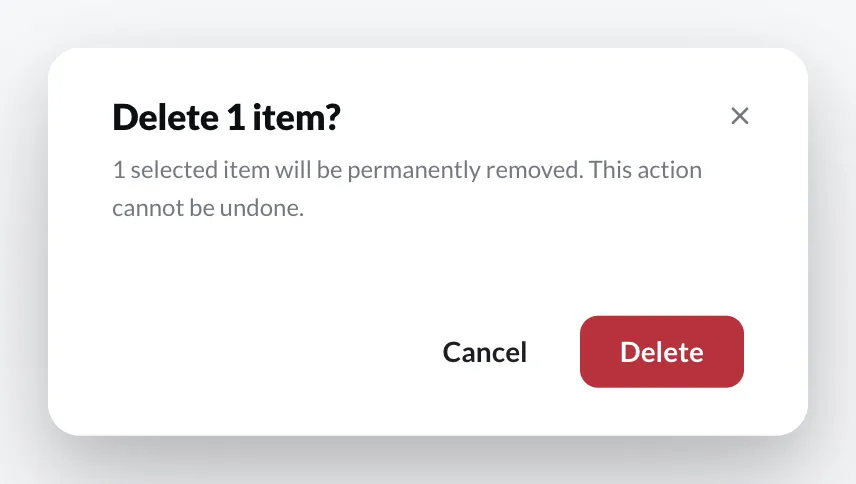
Confirm with
Delete
.