
Create Slides from Templates
From a Template you create as many Slides as you need – each with its own text and images in the placeholders.
How it works
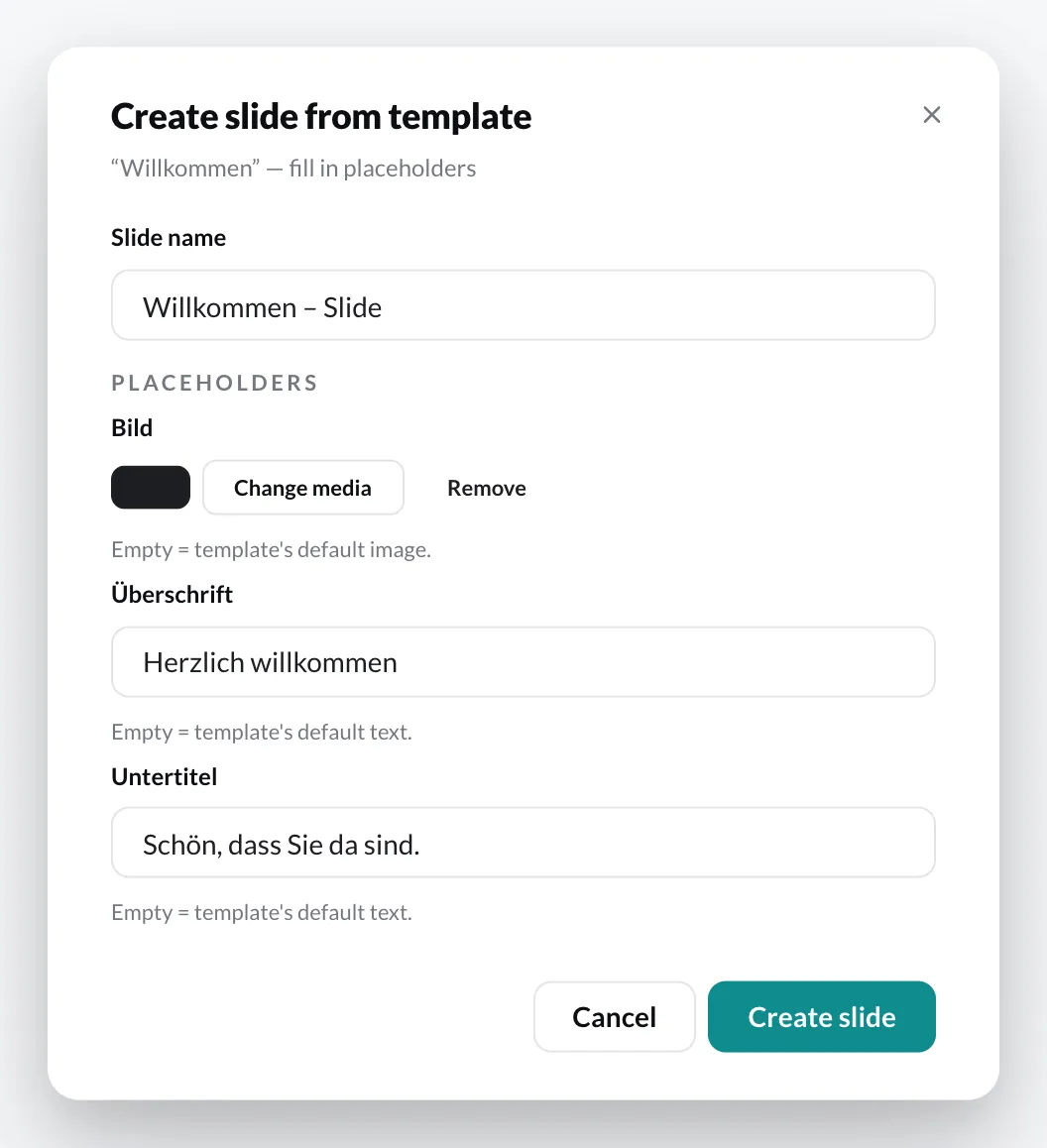
Section titled “How it works”- In the Media library, right-click the Template › Create slide.
- Enter the Slide name.
- Fill in the Placeholders. Fields left empty keep the text or image of the Template.
- Click Create slide.
If you drag a Template into a playlist, the CMS asks (Create slide from template?), creates the Slide in the Template’s folder and inserts it into the playlist at that position.
Change a Slide created from a Template
Section titled “Change a Slide created from a Template”- Text and images: context menu of the Slide › Edit placeholders.
- Design: in the Template. If you open the Slide in the Designer, the CMS points this out (Derived from a template) and offers Edit template. Changes to the Template affect all Slides created from it.