
Example: ad block
At a hotel reception, a welcome, breakfast times and a picture of the hotel are running. In between, two motifs from the brand presentation should appear each time – on the next pass, the next two.
How it works
Section titled “How it works”- Create a playlist “Markenauftritt” and fill it with all the motifs of the ad block.
- Open the playlist “Empfang” and add the playlist “Markenauftritt” via the Playlists tab in the media browser.
- Double-click the added entry and set:
- Playback mode: Consecutive
- Count: 2
- Click Save.
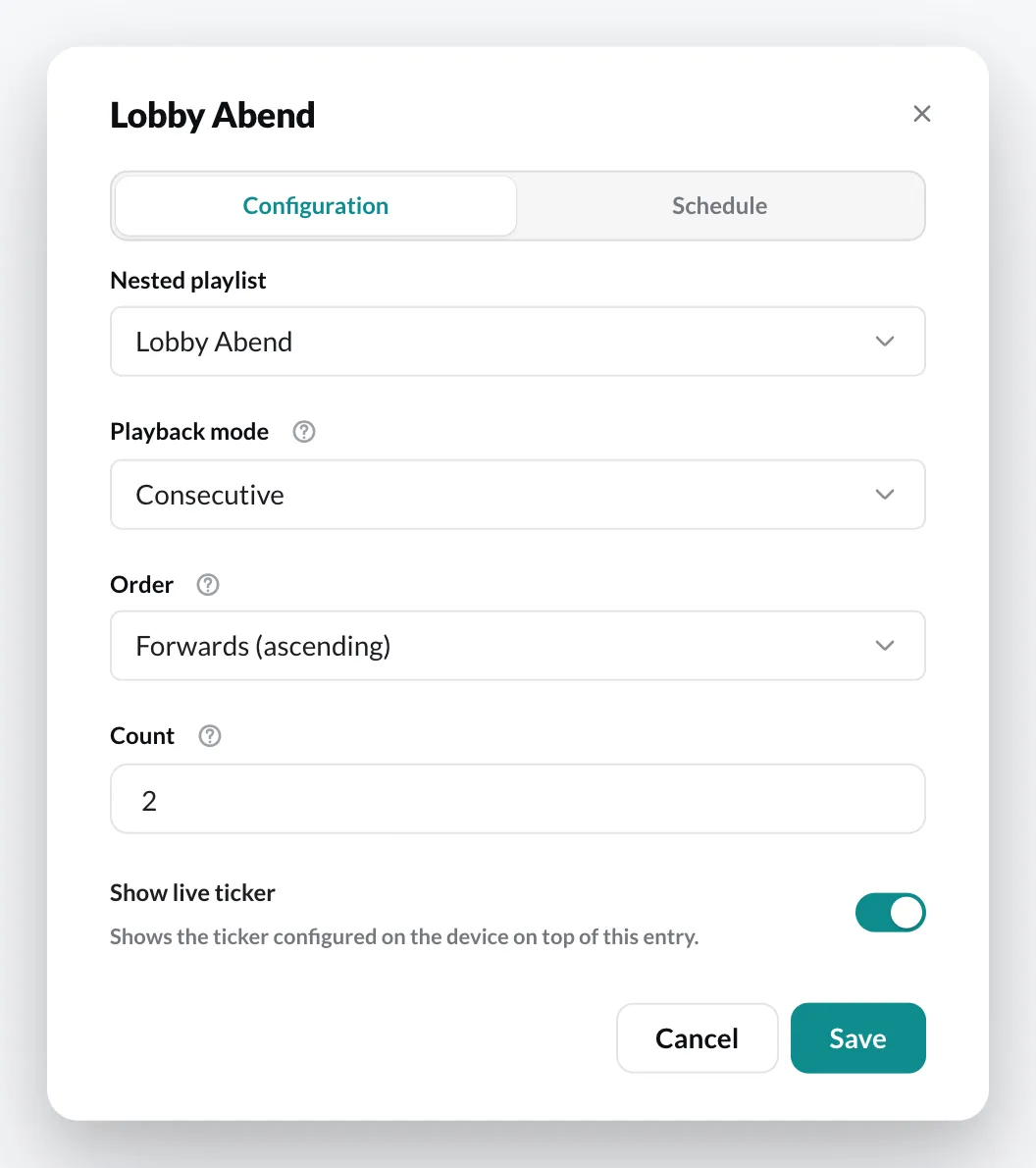
What happens
Section titled “What happens”On every pass of the playlist “Empfang”, its own content runs, followed by two motifs from “Markenauftritt”. On the next pass, it continues with the next two until all have had their turn once – then it starts over.
Because “Markenauftritt” is a playlist of its own, you maintain the ad block in one place – all playlists that contain it immediately show the new motifs.