
Scheduling content
Every piece of content in a playlist has a Playback rule. You find it in the content’s settings (double-click) on the Schedule tab.
| Playback rule | Meaning |
|---|---|
| Always | The content runs without restriction. |
| Never | The content stays in the playlist but is not played. |
| On schedule | The content only runs in the configured period. |
Set a schedule
Section titled “Set a schedule”Choose On schedule and define:
- Start date and End date – optional, for a period such as a promotional week
- Start time and End time – optional, for a time of day
- Weekdays – on which days the content runs (Mon–Sun)
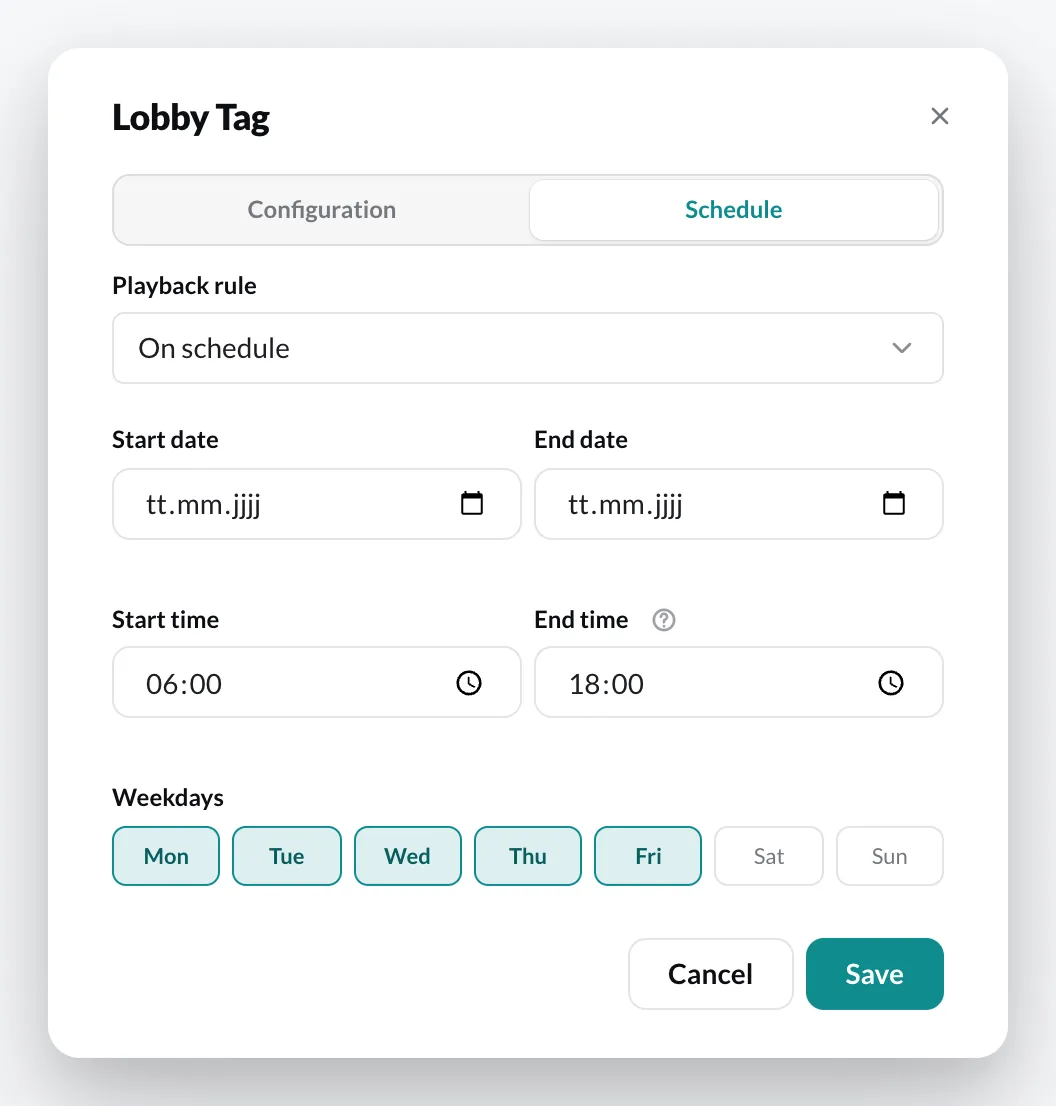
Examples:
- Breakfast offer: start time 06:00, end time 10:30, all weekdays
- Promotion: start date November 1, end date November 30
- From a certain time until the end of the day: only enter the Start time, leave the End time empty
Across midnight
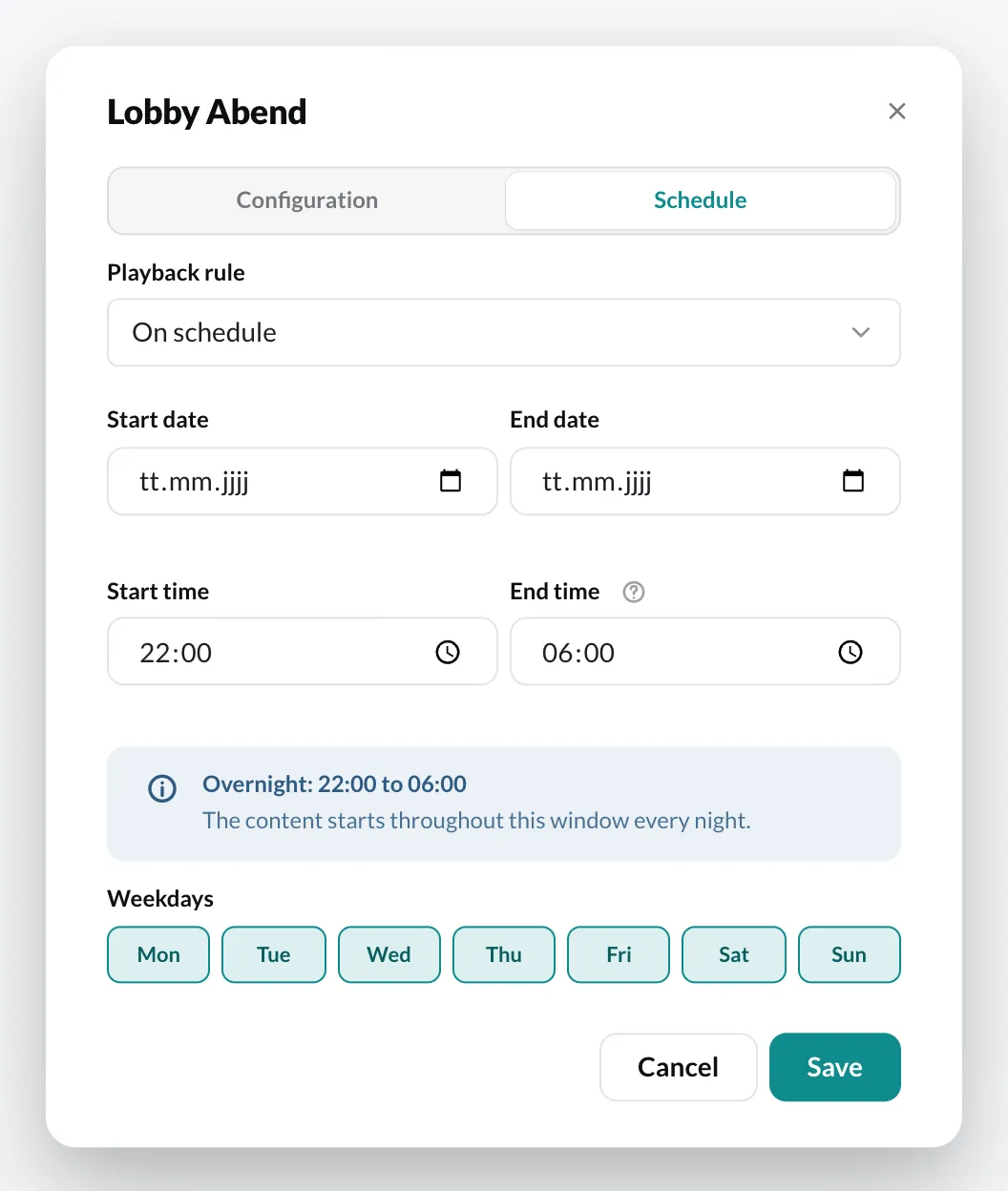
Section titled “Across midnight”If the end time is before the start time, the content runs across midnight: 22:00 to 06:00 are eight hours at night. The CMS shows the notice Overnight.
Remove after end date
Section titled “Remove after end date”With Remove after end date, the content is automatically deleted from the playlist once the end date has passed.
When does “Always” apply?
Section titled “When does “Always” apply?”If you choose On schedule with all weekdays and without date and time, the CMS saves the content as Always.