
Stock market
The Stock market plugin shows current prices – as a table of several assets or as a chart of a single asset.
Book the plugin under Plugins and assign it to the devices on which it should run. Then create the content in the Media library via Add › Plugins › Stockmarket.
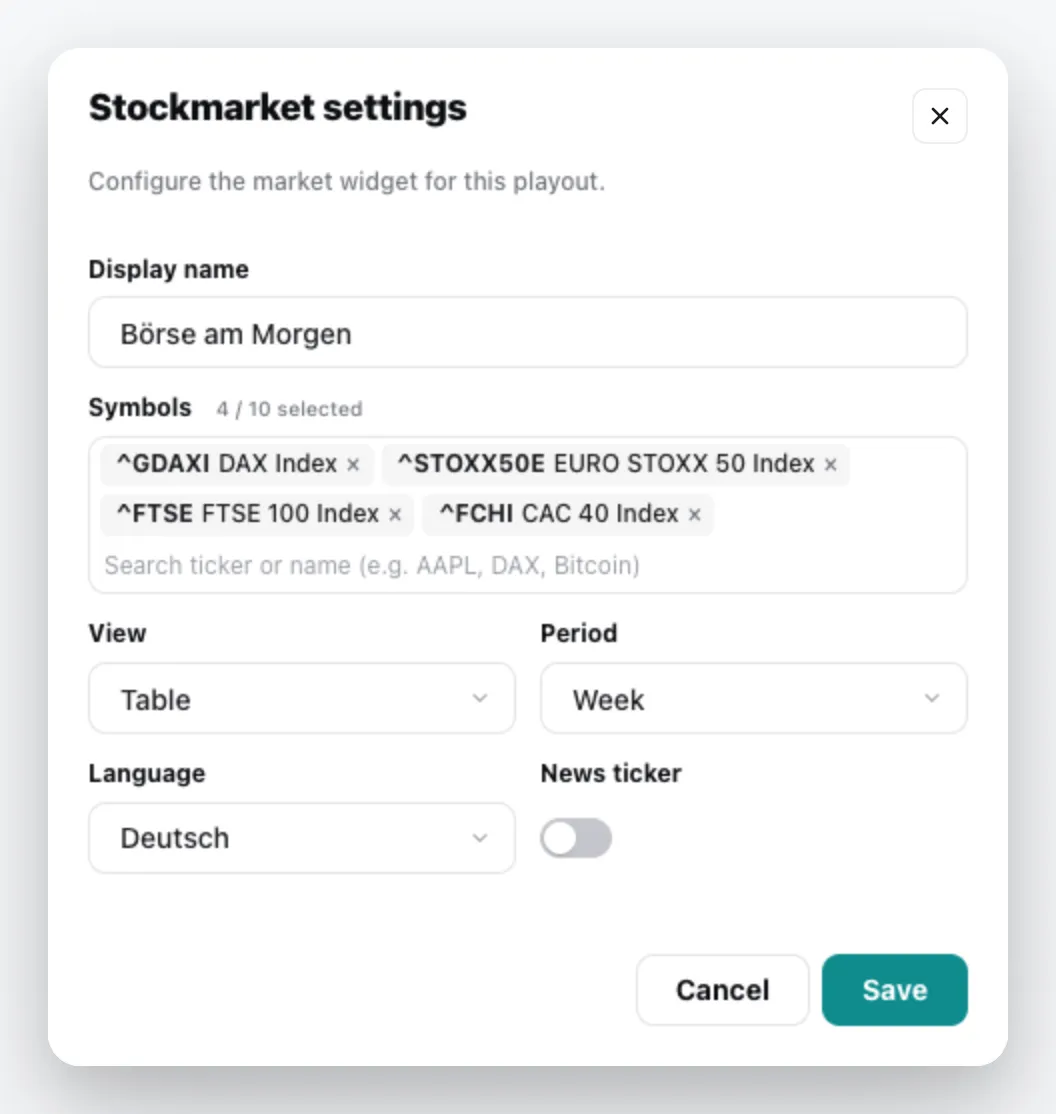
| Field | Meaning |
|---|---|
| Display name | Title of the content. Empty = the names of the assets. |
| Symbols | Search by ticker or name, e.g. AAPL, DAX or Bitcoin, and select the assets. |
| View | Table or Chart (single asset) – the chart shows exactly one asset. |
| Period | Day, Week, Month or Year |
| Language | Language of the labels |
| News ticker | turns the news ticker on or off |
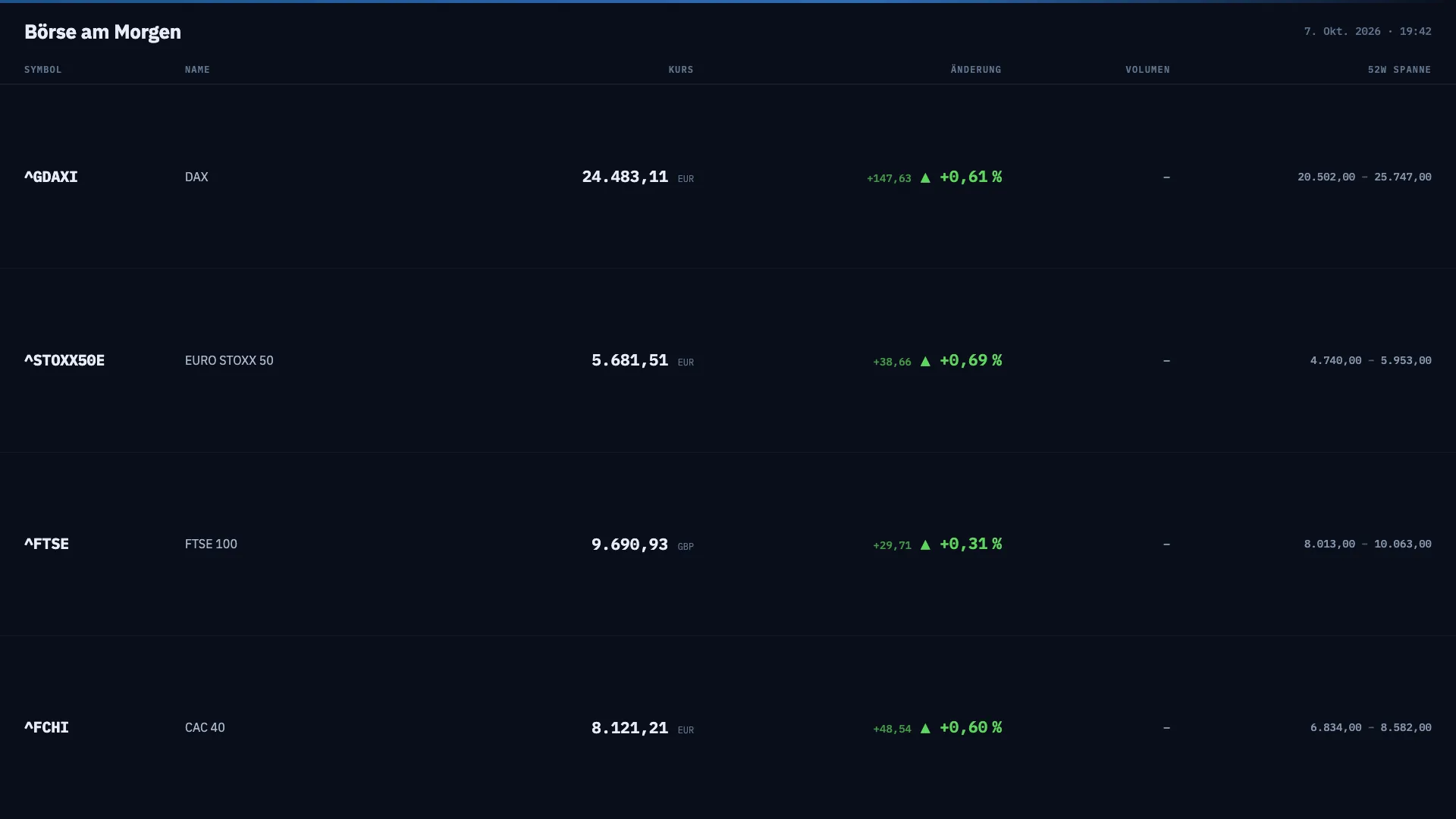
The content appears in the media library; add it to a playlist like any other content. You can change it via the context menu › Edit. General information under Content plugins.