
Create a new playlist
A playlist determines what a player plays and in which order. Every device plays exactly one playlist – its own or that of its group.
The Playlists page
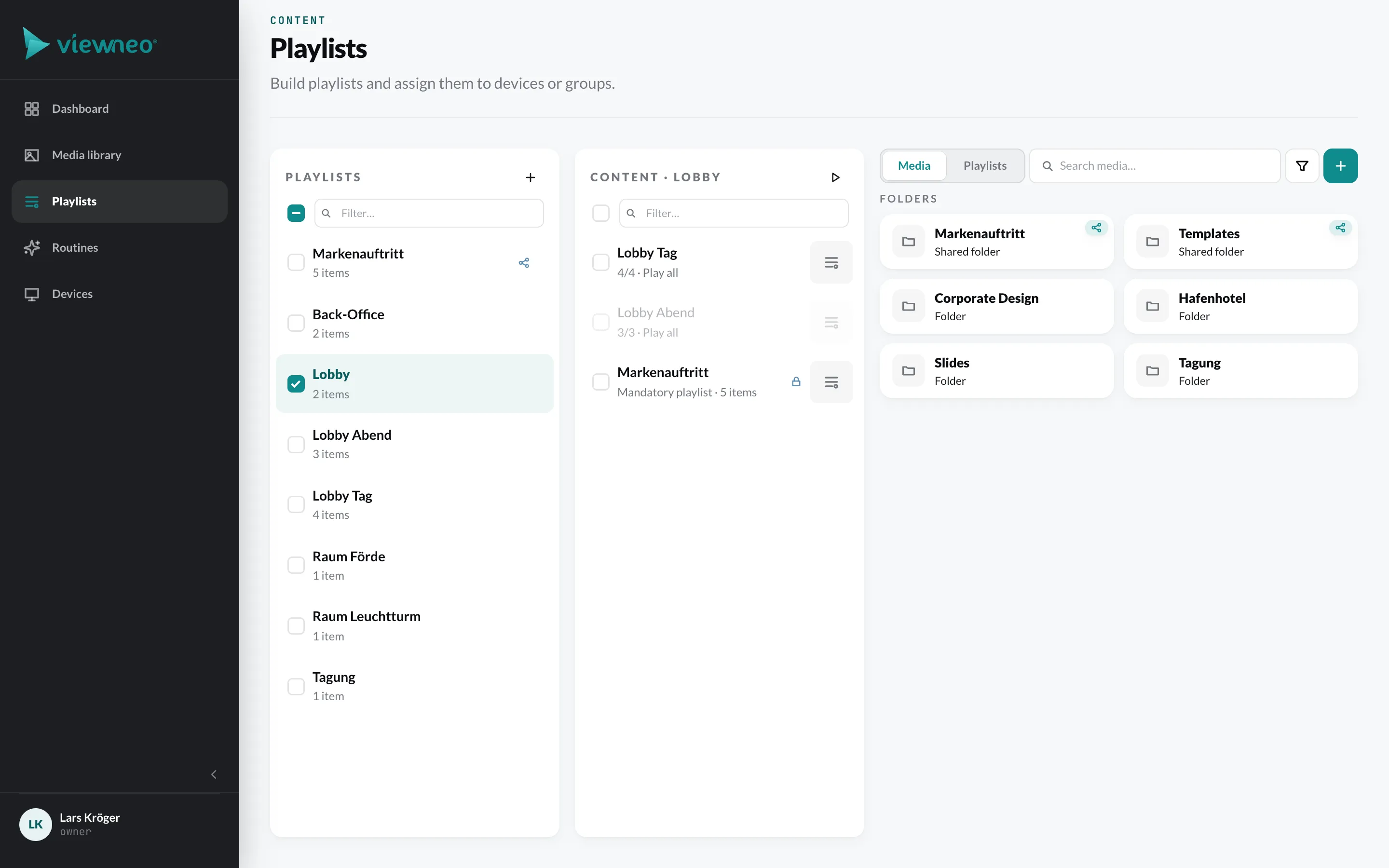
Section titled “The Playlists page”On the left are your Playlists, in the center the content of the selected playlist, on the right the media browser with the tabs Media and Playlists.
Create a playlist
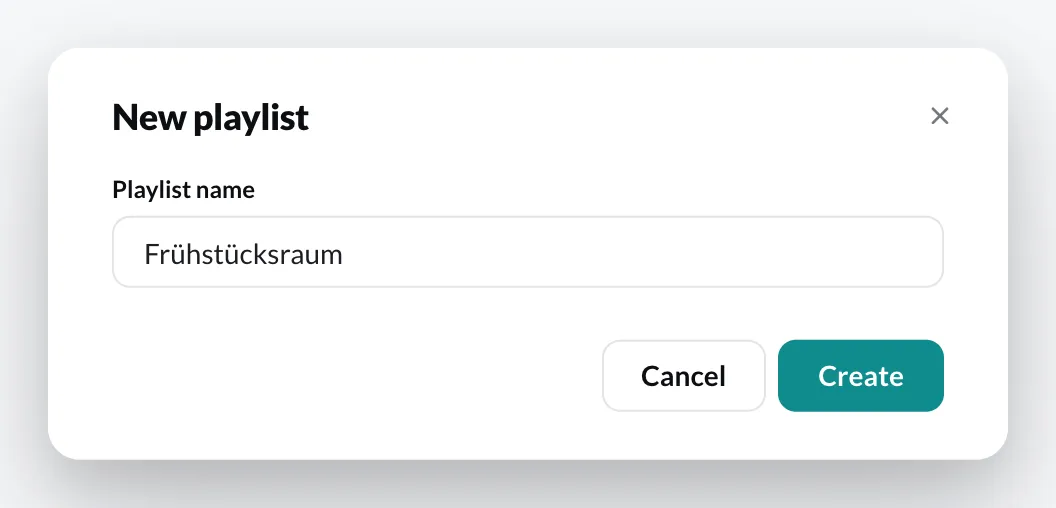
Section titled “Create a playlist”- Open Playlists and click New playlist.
- Enter a Playlist name.
- Click Create.
You can also create a playlist directly when creating a device group (+ Create new playlist in the selection field).
Assign a playlist to a device
Section titled “Assign a playlist to a device”- For an entire group: in the group’s configuration under Playlist (see Create a device group).
- For a single device: in the device’s settings under Playlist instead of Inherit from group (see Device settings).
More actions
Section titled “More actions”Right-click a playlist to open its context menu: Settings, Preview, Duplicate, Label, Reports, Share and Delete.
Support can restore a deleted playlist for 30 days; after that it is removed permanently. Its assignments to devices and groups are not restored.
Next: Fill a playlist.