
Create an account
You need an account to use the viewneo CMS. Registration is free and takes a minute.
Step 1: Register
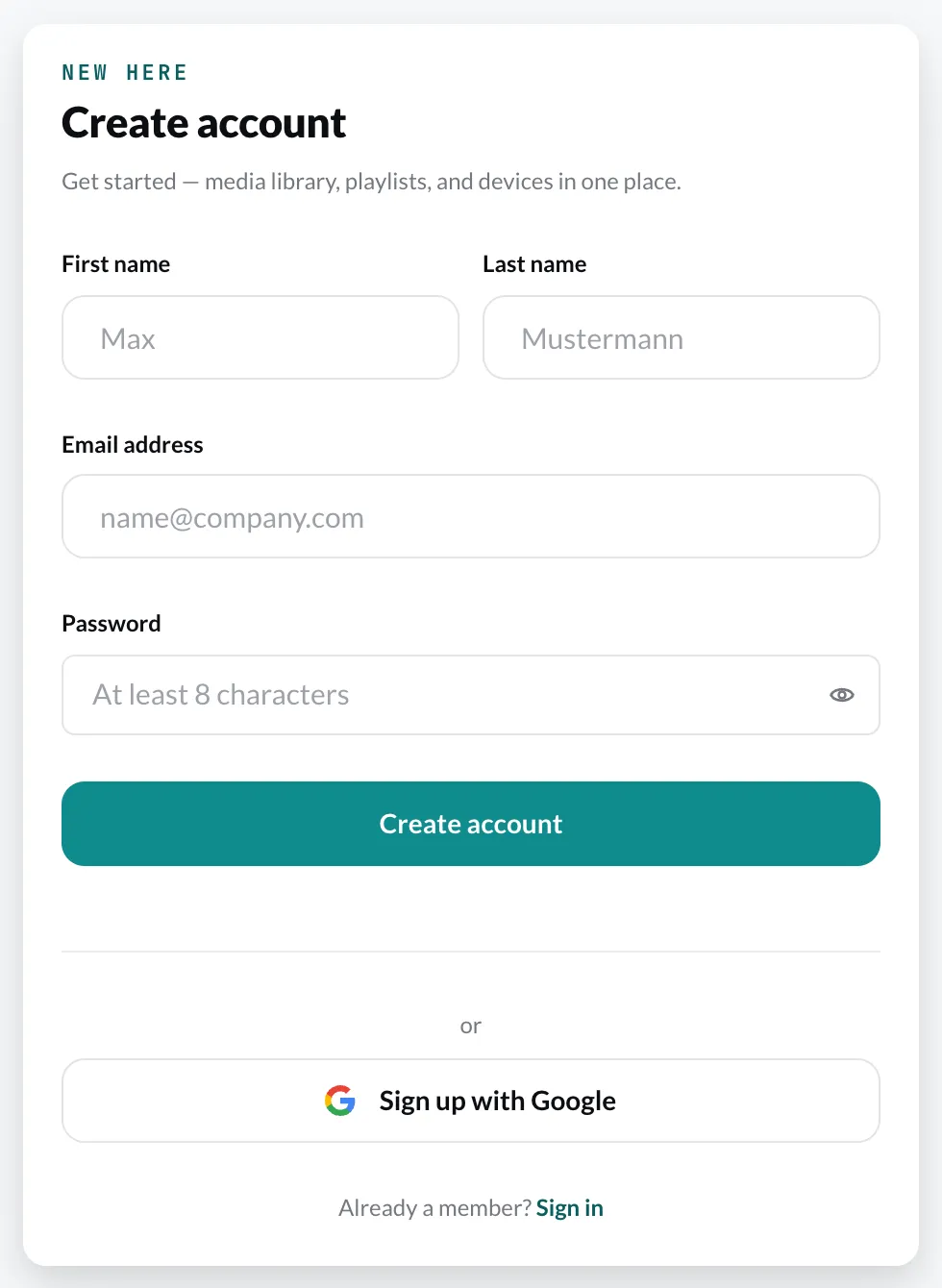
Section titled “Step 1: Register”Open cloud.viewneo.com/register and fill in the form:
- First name and Last name
- Email address
- Password – at least 8 characters
Click Create account.
Step 2: Confirm your email
Section titled “Step 2: Confirm your email”You will receive an email with a confirmation link. The sign-in page tells you so:
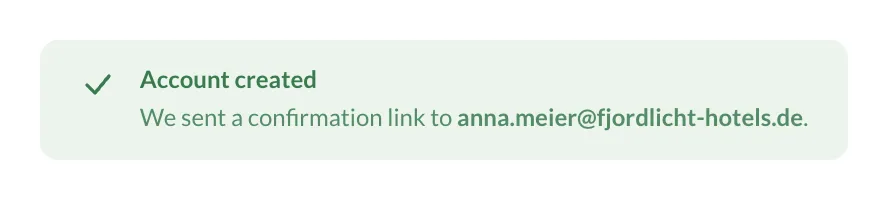
Click the link in the email. This confirms your account and signs you straight in to the CMS.
Trial period
Section titled “Trial period”Every new account starts with a 30-day trial period. During it, you can activate several players and try out plugins. What happens afterwards is described under Trial period, and the prices under Plans & subscriptions.