
Broadcast Logo
With Broadcast Logo, your logo is permanently shown in a corner of the screen – like a channel logo on TV.
Book the plugin under Plugins and assign it to the device (see Plugins on the device). The Broadcast Logo section then appears in the settings of the device or group.
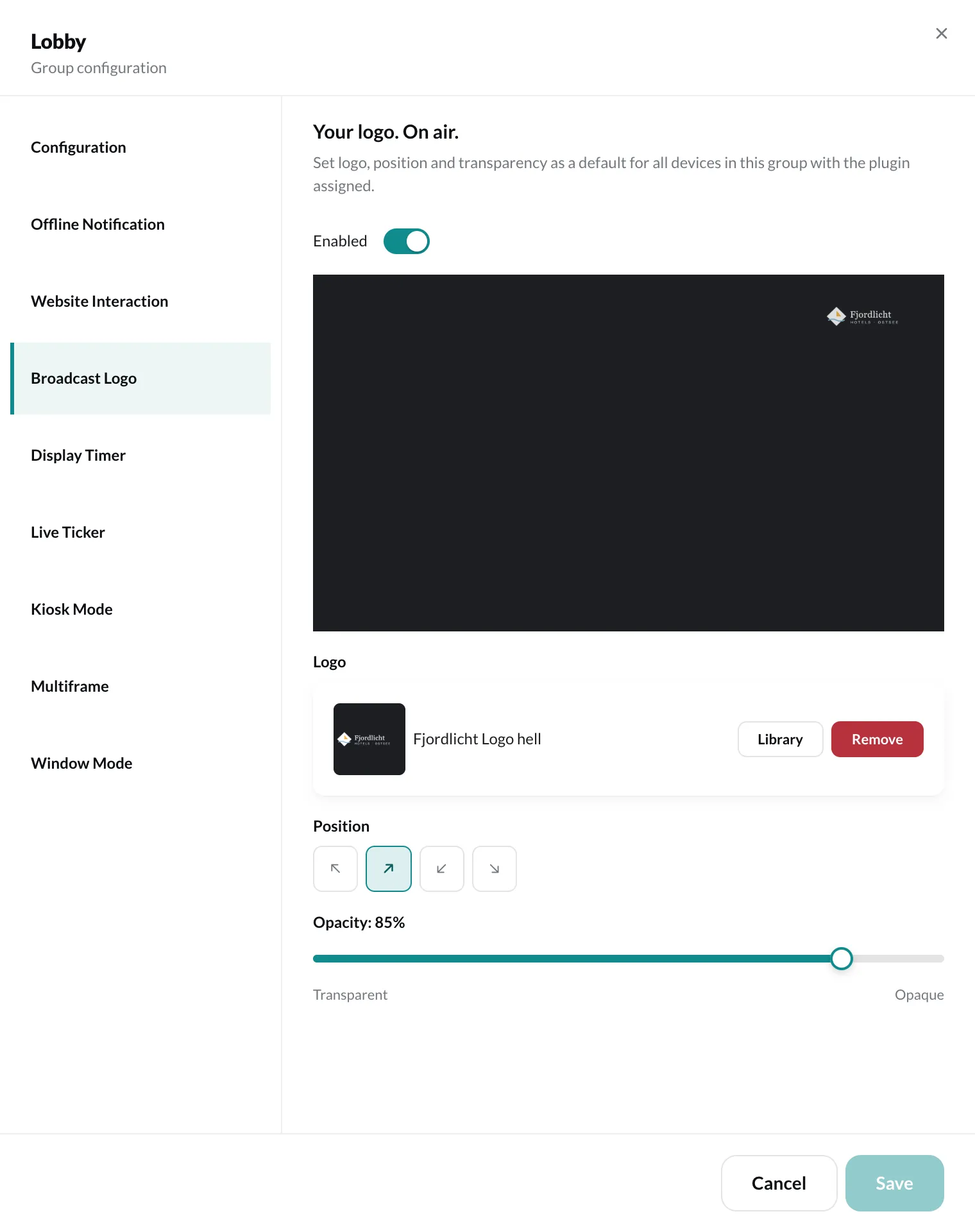
Settings
Section titled “Settings”- Enabled – shows or hides the logo.
- Logo – upload an image or choose it from your media library via Library. PNG, JPG and SVG are possible; a transparent background is recommended.
- Position – Top left, Top right, Bottom left or Bottom right.
- Opacity – from Transparent to Opaque.
Finally, click Save.