
Display Timer
With the Display Timer, your screens switch on and off on a schedule – e.g. on weekdays from 7 am to 7 pm. This saves energy and protects the displays. Without a timer, the display stays on permanently.
Book the plugin under Plugins and assign it to the device (see Plugins on the device). The Display Timer section then appears in the settings of the device or group.
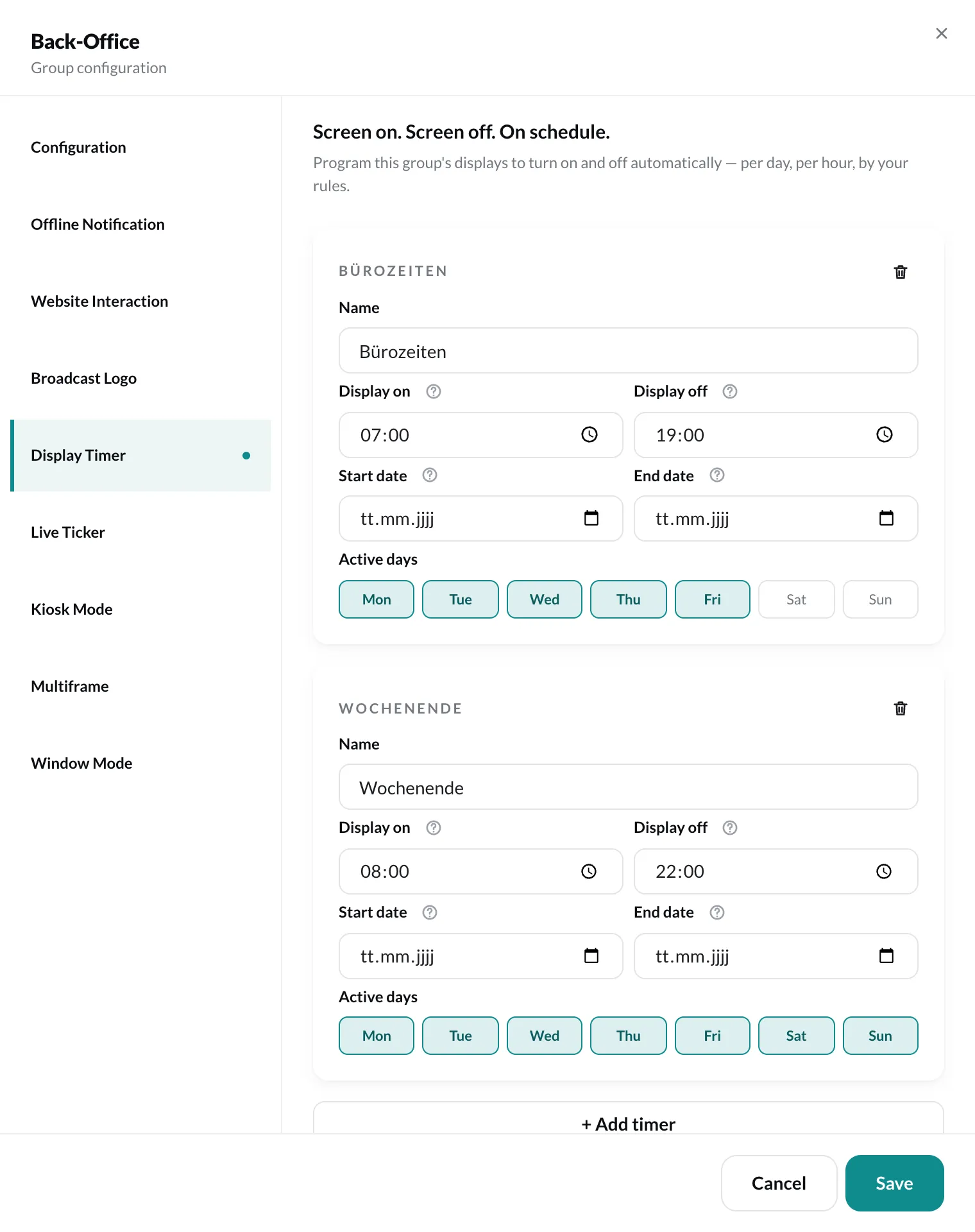
Create a timer
Section titled “Create a timer”Click + Add timer and fill in the fields:
| Field | Meaning |
|---|---|
| Name | for orientation, e.g. “Office hours” |
| Display on | from when the display is on. Empty = from the start of the day. |
| Display off | from when it is off. Empty = until the end of the day. If both times are empty, the display is on all day on the selected days. |
| Start date, End date | optional. Empty = from now on or unlimited. |
| Active days | on which weekdays the timer applies |
You can create several timers, e.g. one for the week and one for the weekend. Use the trash can to remove a timer. Finally, click Save.