
API
With the API plugin you access your account via REST API – for example to upload media automatically, change playlists or control players. The plugin applies to your entire account.
Set up access
Section titled “Set up access”Only once the plugin is booked does the API access section appear under Settings. There you will find the Base URL and the link to the API documentation.
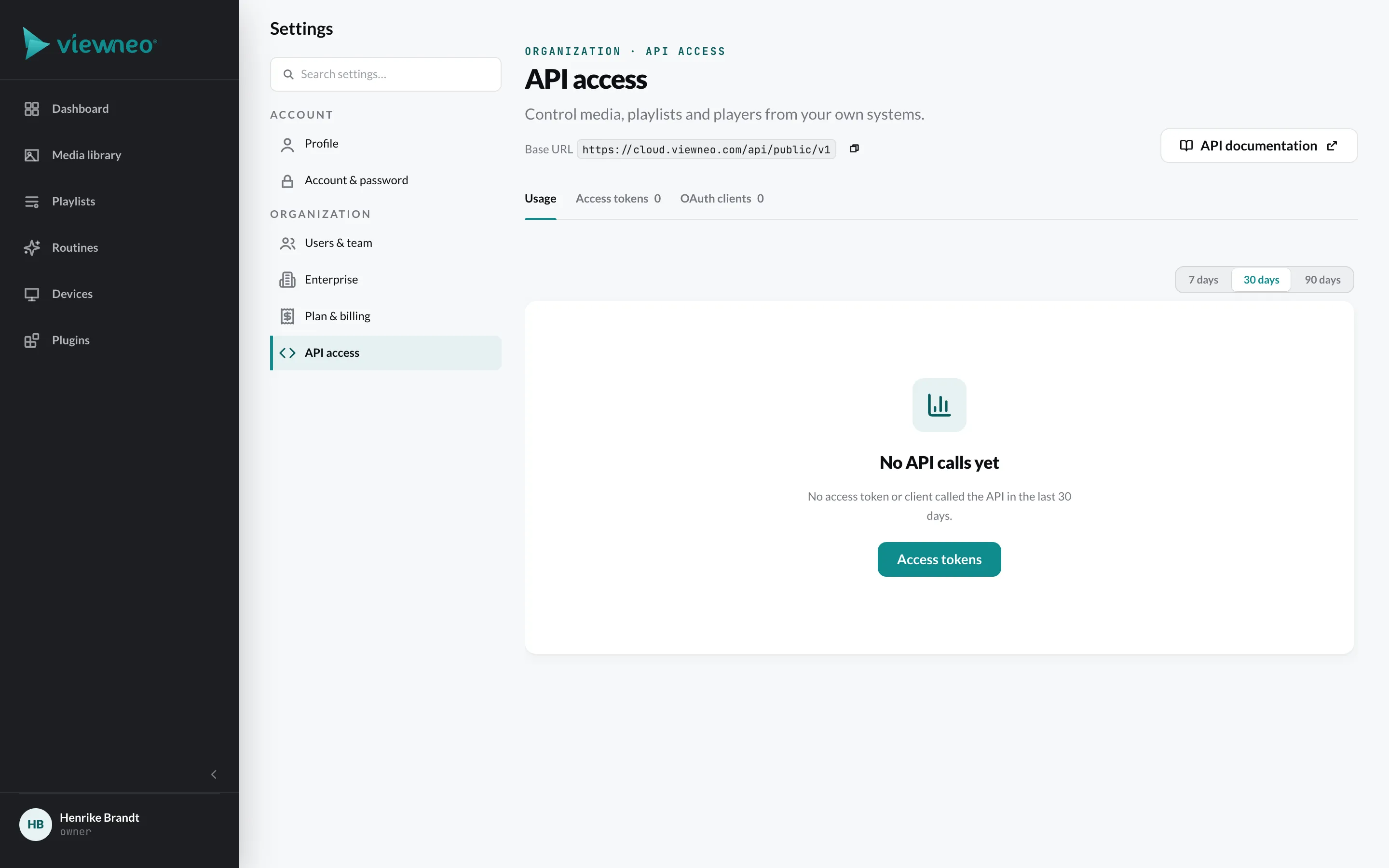
There are two ways to access the API:
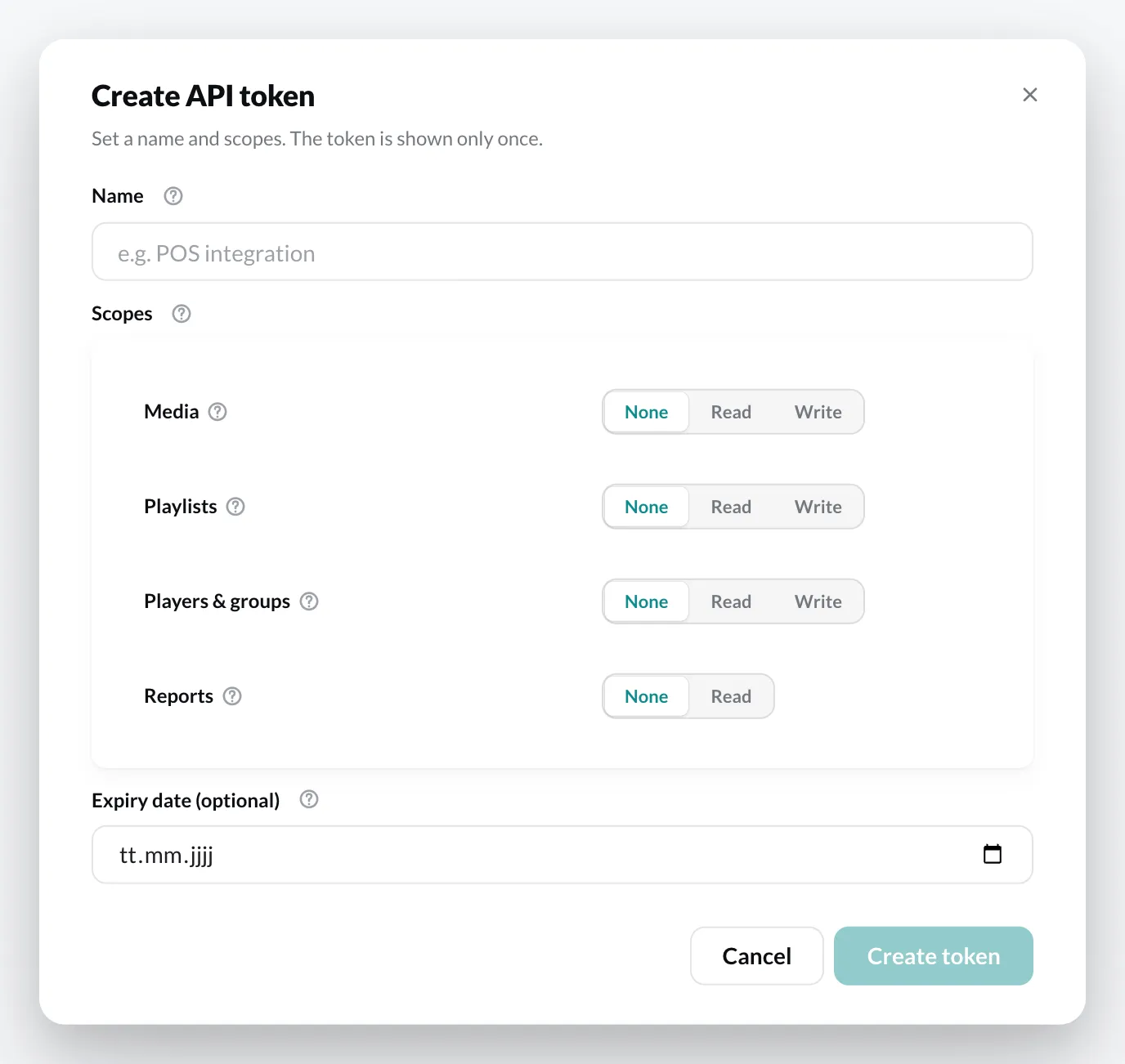
- API token – a personal access token for your own scripts. Click Create token, give it a Name, choose the Scopes (Media, Playlists, Players & groups, Reports – each Read or Write) and optionally an Expiry date.
- OAuth client – for applications: as a server-to-server connection or as an app where a user confirms access in the browser.
With Revoke you immediately invalidate a token or client.
How the API works is described in the Developer guide.