
Create a New Playlist
Playlists define what content plays on your screens and in what order. Every device or device group in viewneo is assigned a playlist.
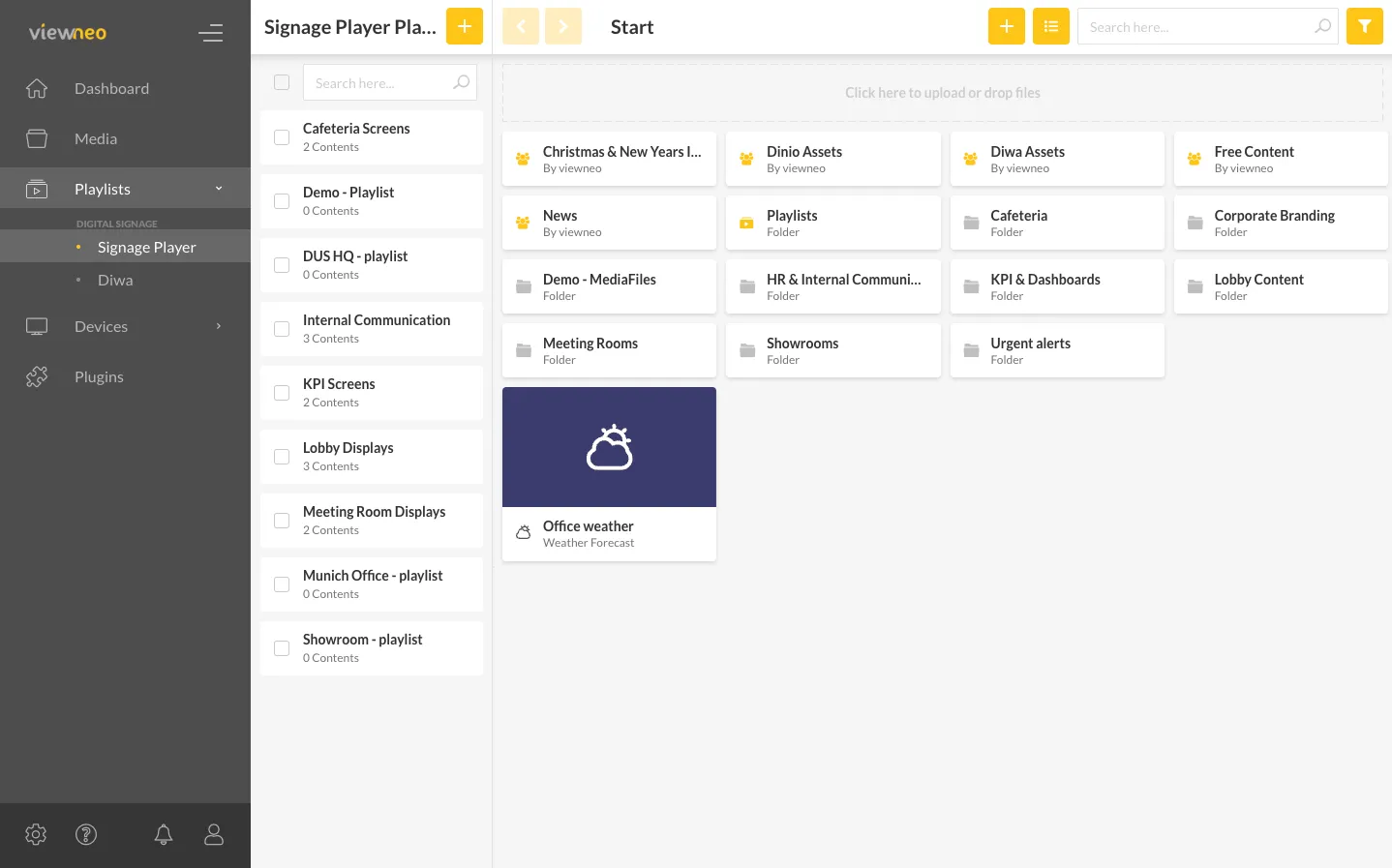
Creating a Playlist
Section titled “Creating a Playlist”- Go to the Playlists section in the CMS
- Click the + icon to the left of the playlists list
- Enter a name for the new playlist
- Confirm to create the playlist
The new playlist is saved immediately. It is initially empty and ready to be filled with content.
Next Steps
Section titled “Next Steps”After creating a playlist, you can:
- Fill it with content — Add images, videos, slides, and other content
- Set up scheduling — Control when specific content plays
- Assign it to a device group — Connect the playlist to your screens