
Instagram Plugin
The Instagram Plugin displays content from your Instagram account directly on your digital signage screens — without any additional graphic preparation.
Prerequisites
Section titled “Prerequisites”- An active viewneo subscription that includes the Instagram Plugin
- A public Instagram account
- At least one registered player
Creating an Instagram Content
Section titled “Creating an Instagram Content”Step 1: Open the Media Library
Section titled “Step 1: Open the Media Library”- Navigate to the Media Library in the sidebar
- Right-click in the content area to open the context menu
- Select Instagram from the list of content types
Step 2: Connect Your Instagram Account
Section titled “Step 2: Connect Your Instagram Account”Click Authorize to log in to your Instagram account and grant viewneo access. After successful authorization, the settings dialog appears.
Step 3: Configure the Display
Section titled “Step 3: Configure the Display”| Setting | Description |
|---|---|
| Name | A name for the content for internal reference |
| Layout | Choose the display layout (e.g., Live Photo Wall) |
| Display Style | Select the display style (e.g., Regular) |
| Background Start Color | The gradient start color for the background |
| Background End Color | The gradient end color for the background |
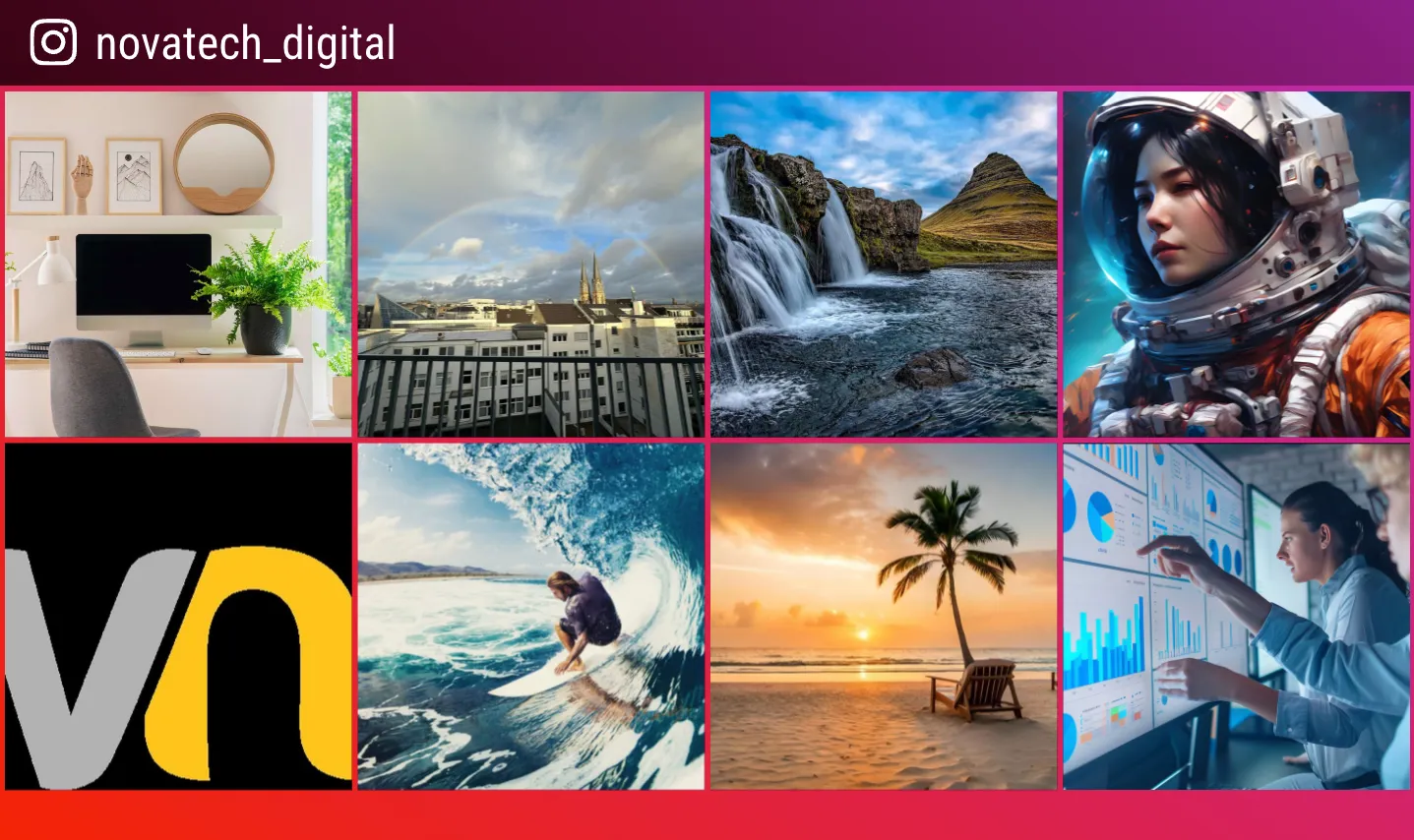
Step 4: Save and Add to Playlist
Section titled “Step 4: Save and Add to Playlist”- Click Save to create the Instagram content
- The new content appears in your media library
- Add the content to a playlist as usual
Use Cases
Section titled “Use Cases”Retail
Section titled “Retail”Show your latest product photos and social media content on displays in the sales area to draw customers’ attention to your Instagram presence.
Corporate
Section titled “Corporate”Present employer branding content and team photos from your Instagram account on displays in entrance areas or common rooms.
Education
Section titled “Education”Show campus impressions and event photos on info displays to inform students and visitors about campus life.
Frequently Asked Questions
Section titled “Frequently Asked Questions”Can I display content from multiple Instagram accounts?
Section titled “Can I display content from multiple Instagram accounts?”Currently, due to restrictions by Instagram, only one account can be connected to the plugin.
Are new posts displayed automatically?
Section titled “Are new posts displayed automatically?”Yes. New public posts from the linked account are automatically updated on screens, as long as the player is connected to the internet.
Does the plugin work with private Instagram accounts?
Section titled “Does the plugin work with private Instagram accounts?”No. The Instagram Plugin only supports public accounts and posts.