
LinkedIn Plugin
The LinkedIn Plugin lets you display content from LinkedIn company pages directly on your digital signage screens — ideal for employer branding, corporate communications, and recruitment displays.
Prerequisites
Section titled “Prerequisites”- An active viewneo subscription that includes the LinkedIn Plugin
- A LinkedIn account with access to the company page you want to display
- At least one registered player
Creating LinkedIn Content
Section titled “Creating LinkedIn Content”Step 1: Open the Media Library
Section titled “Step 1: Open the Media Library”- Navigate to the Media Library in the sidebar
- Right-click in the content area to open the context menu
- Select LinkedIn from the list of content types
Step 2: Connect Your LinkedIn Account
Section titled “Step 2: Connect Your LinkedIn Account”Click Authorize to log in to your LinkedIn account and grant viewneo access. After successful authorization, the settings dialog appears.
Step 3: Configure the Content
Section titled “Step 3: Configure the Content”| Setting | Description |
|---|---|
| Post type | Select the display format (e.g., Multi post) |
| Name | A name for the content for internal reference |
| LinkedIn page | Select the LinkedIn company page to display |
| Number of posts | How many posts to display on screen |
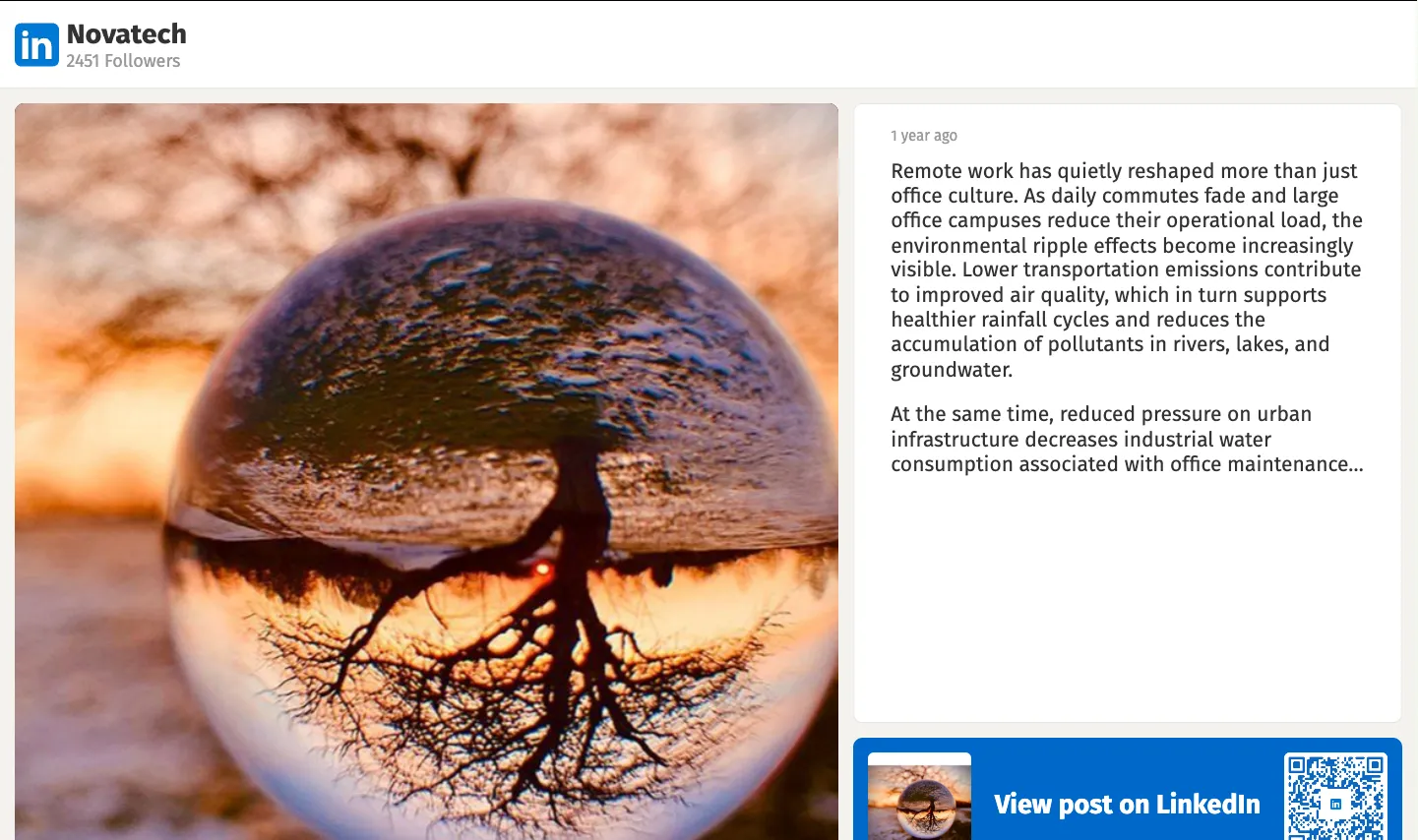
Step 4: Save and Add to Playlist
Section titled “Step 4: Save and Add to Playlist”- Click Save to create the LinkedIn content
- The new content appears in your media library
- Add the content to a playlist as usual
Use Cases
Section titled “Use Cases”Corporate — Employer Branding
Section titled “Corporate — Employer Branding”Display your company’s LinkedIn page in the lobby or reception area to showcase culture, job openings, and company news.
Education — Career Displays
Section titled “Education — Career Displays”Show university or department LinkedIn pages on screens near career centers.
Recruitment — Job Fairs
Section titled “Recruitment — Job Fairs”Present company LinkedIn profiles on screens at recruitment events.
Frequently Asked Questions
Section titled “Frequently Asked Questions”Can I display personal LinkedIn profiles?
Section titled “Can I display personal LinkedIn profiles?”The plugin is designed for LinkedIn company pages. Personal profile display may be limited depending on privacy settings.
Are new posts automatically updated?
Section titled “Are new posts automatically updated?”Yes — the plugin fetches the latest content at regular intervals. New posts appear automatically.
Next Steps
Section titled “Next Steps”- Instagram Plugin — Display Instagram feeds on your screens
- Fill Playlist — Learn how to add content to a playlist