
Power BI Plugin
The Power BI Plugin lets you embed Microsoft Power BI dashboards and reports directly on your digital signage screens — ideal for displaying KPIs, sales figures, and business analytics in real-time.
Prerequisites
Section titled “Prerequisites”- An active viewneo subscription that includes the Power BI Plugin
- A Microsoft Power BI account with published workspaces and reports
- At least one registered player
Creating Power BI Content
Section titled “Creating Power BI Content”Step 1: Open the Media Library
Section titled “Step 1: Open the Media Library”- Navigate to the Media Library in the sidebar
- Right-click in the content area to open the context menu
- Select Power BI from the list of content types
Step 2: Connect Your Power BI Account
Section titled “Step 2: Connect Your Power BI Account”Click Open Power BI window to log in to your Microsoft account and connect your Power BI workspace. A new window opens where you can browse your reports.
Step 3: Select a Report
Section titled “Step 3: Select a Report”| Setting | Description |
|---|---|
| Power BI Workspaces | Select the workspace containing your report |
| Type | Choose the content type (e.g., Reports) |
After selecting a workspace and report, click Create to add it.
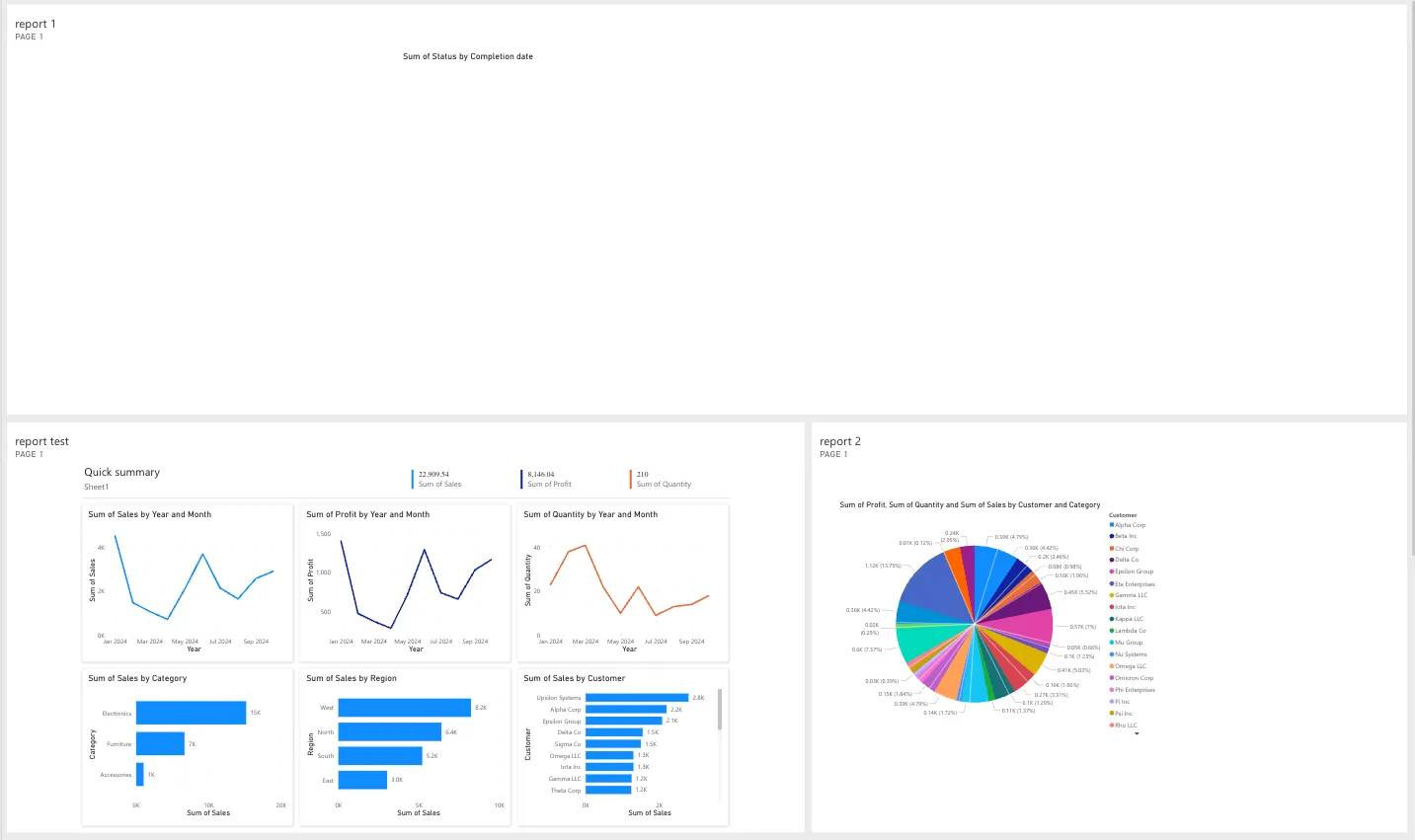
Step 4: Save and Add to Playlist
Section titled “Step 4: Save and Add to Playlist”- The Power BI content appears in your media library
- The new content appears in your media library
- Add the content to a playlist as usual
Use Cases
Section titled “Use Cases”Corporate — KPI Dashboards
Section titled “Corporate — KPI Dashboards”Display real-time business metrics on screens in management areas, production floors, or team spaces.
Retail — Sales Figures
Section titled “Retail — Sales Figures”Show daily or weekly sales performance on screens in back-office areas.
Logistics — Operations Monitoring
Section titled “Logistics — Operations Monitoring”Present real-time logistics KPIs on screens in warehouses or distribution centers.
Frequently Asked Questions
Section titled “Frequently Asked Questions”Do I need Power BI Pro?
Section titled “Do I need Power BI Pro?”You need a Power BI account that supports embedding. Check your Power BI license for embed capabilities.
Are dashboards updated automatically?
Section titled “Are dashboards updated automatically?”Yes — the plugin refreshes the dashboard at the configured interval. Data updates in Power BI are reflected on screen automatically.
Next Steps
Section titled “Next Steps”- SharePoint Plugin — Display SharePoint content on your screens
- Fill Playlist — Learn how to add content to a playlist