
Add & Invite Users
The Super User can add additional users to the viewneo account, each with their own login credentials and configurable permissions.
Adding a User
Section titled “Adding a User”- Click User in the lower-left corner of the CMS navigation
- Click the + icon to add a new user
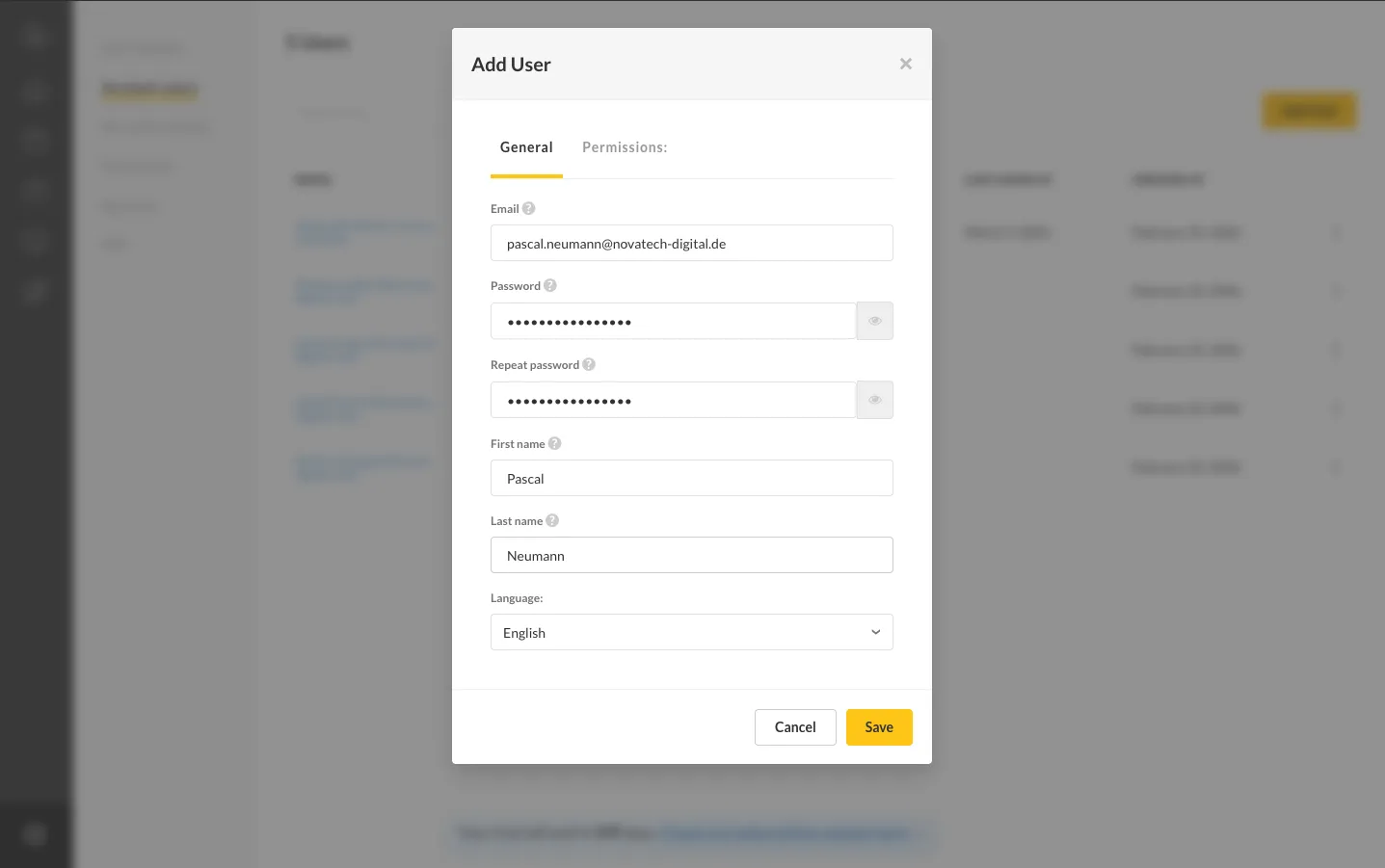
- Fill in the user information:
- Name — The user’s display name
- Email — The user’s email address (used for login)
- Password — An initial password for the account
- Configure permissions to define which areas the user can access
- Save the new user
Editing a User
Section titled “Editing a User”To edit an existing user’s information or permissions:
- Go to the User section
- Click on the user you want to edit
- Modify the settings as needed
- Save the changes
Removing a User
Section titled “Removing a User”To remove a user from the account, select the user and click the delete button. This revokes their access to the CMS.