
Actions
Actions are executed when the trigger and filters apply. A routine has at least one action; several actions start at the same time; if one of them has On error set to Abort, they run one after the other in the configured order.
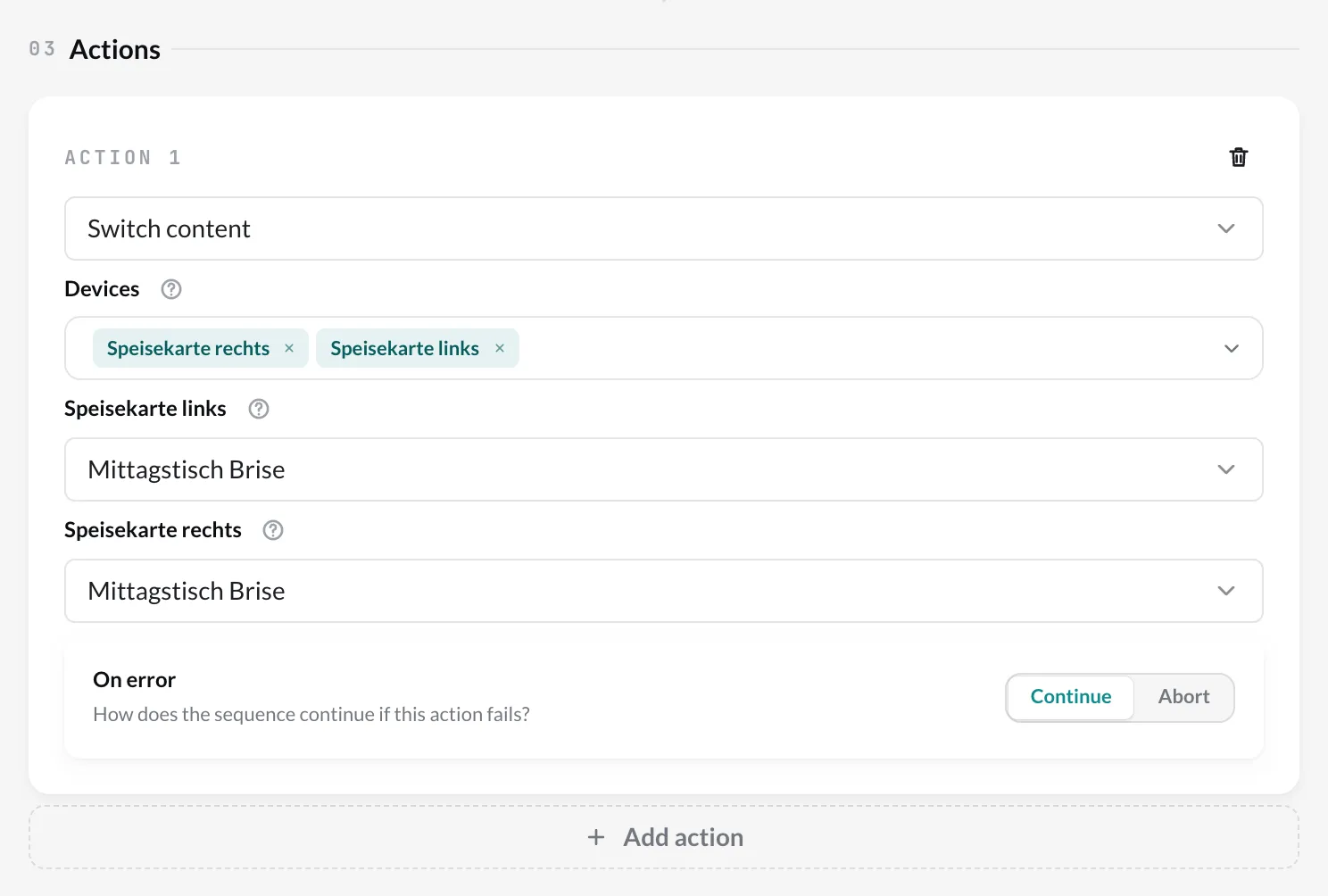
Switch content
Section titled “Switch content”Jumps to a piece of content in their playlist on one or more players.
Target – for player triggers (content started/finished, touch) you choose:
- Triggering device – the jump happens exactly on the device on which the content ran or someone tapped. You choose the Playlist and the Content within it.
- Specific device – you choose one or more Devices. For each device you set its own jump target, from the playlist it is currently playing. All selected devices receive the command at the same time – this is how you switch several screens together, see Synchronize screens.
For Schedule, Webhook and RFID tag there is no triggering device – there you always choose specific devices.
Jumping to a nested playlist
Section titled “Jumping to a nested playlist”If the playlist contains a nested playlist, the target selection offers it under Nested playlists — as a whole, not its individual items. The player then plays it as if playback had reached it normally: with its own setting (all, consecutive or shuffle, e.g. 3 random items). After that it continues with the entry behind it.
Only a player with current software can do this. If a selected player cannot do it yet, the editor shows Player update needed; the jump is then not sent, and the log gives the reason player-lacks-capability.
External webhook
Section titled “External webhook”Calls an address, e.g. to notify another system. You set the Webhook URL and the Method.
If the calls fail, the routine shows a notice – see Unreachable addresses.
On error
Section titled “On error”For each action, under On error you determine what happens if it fails:
- Continue – the next actions run anyway.
- Abort – the routine stops here; the following actions are skipped.
You can see whether an action succeeded in the Log.