
Triggers
Every routine has exactly one trigger. You choose it in the editor under 01 Trigger.
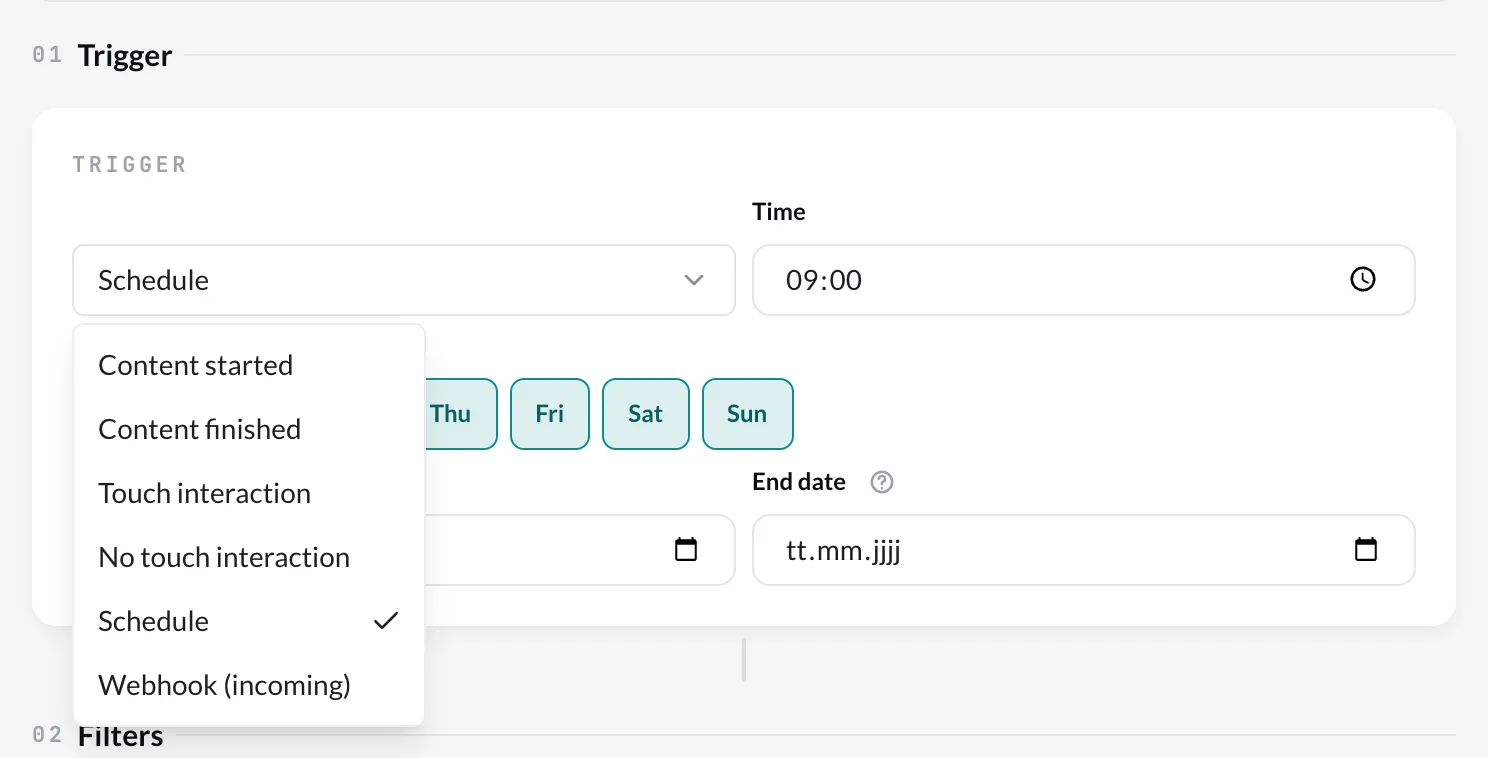
| Trigger | Runs when … | Settings |
|---|---|---|
| Content started | a piece of content starts on a player. | Playlist – limits the selection in filters and actions to this playlist. Only on these players – see below. |
| Content finished | a piece of content has finished playing on a player. | Playlist, Only on these players (as above) |
| Touch interaction | someone touches a touch element of the running Slide. | Playlist, Only on these players; which element is set in the Touch element filter. |
| No touch interaction | the display has not been touched for a certain time. | Wait time (seconds) since the last touch, Only on these players |
| Schedule | a time of day is reached on selected weekdays. | Time, Weekdays, optionally Start date and End date |
| Webhook (incoming) | an address that the CMS issues for the routine is called. | The URL appears after saving. |
| RFID tag | a tag is placed on or lifted from a reader of an RFID hub. | RFID hub, optionally Playlist. Which tag, and whether it was placed or lifted, is set in the RFID tag and RFID reader filters. See RFID in routines. |
Only on these players
Section titled “Only on these players”For the triggers that come from a player, Only on these players sets which players may trigger the routine. If you leave the field empty, every player that has the Routines plugin assigned triggers it.
This matters as soon as players switch each other: when player B jumps on a command from player A, content also starts on B. Without the restriction to player A, this start triggers the routine again. How to keep several screens in step is described under Synchronize screens.
Touch interaction and sync mode
Section titled “Touch interaction and sync mode”A player reports a touch to the cloud only in sync mode Real-Time. Players that can evaluate touch routines themselves also jump in mode Interval and without a connection – but only for actions on the triggering device; actions on other players still need Real-Time. If an affected player runs in mode Interval and cannot do this yet, the editor names it in a hint below the trigger. Then switch it to Real-Time in the Device settings or update the player.
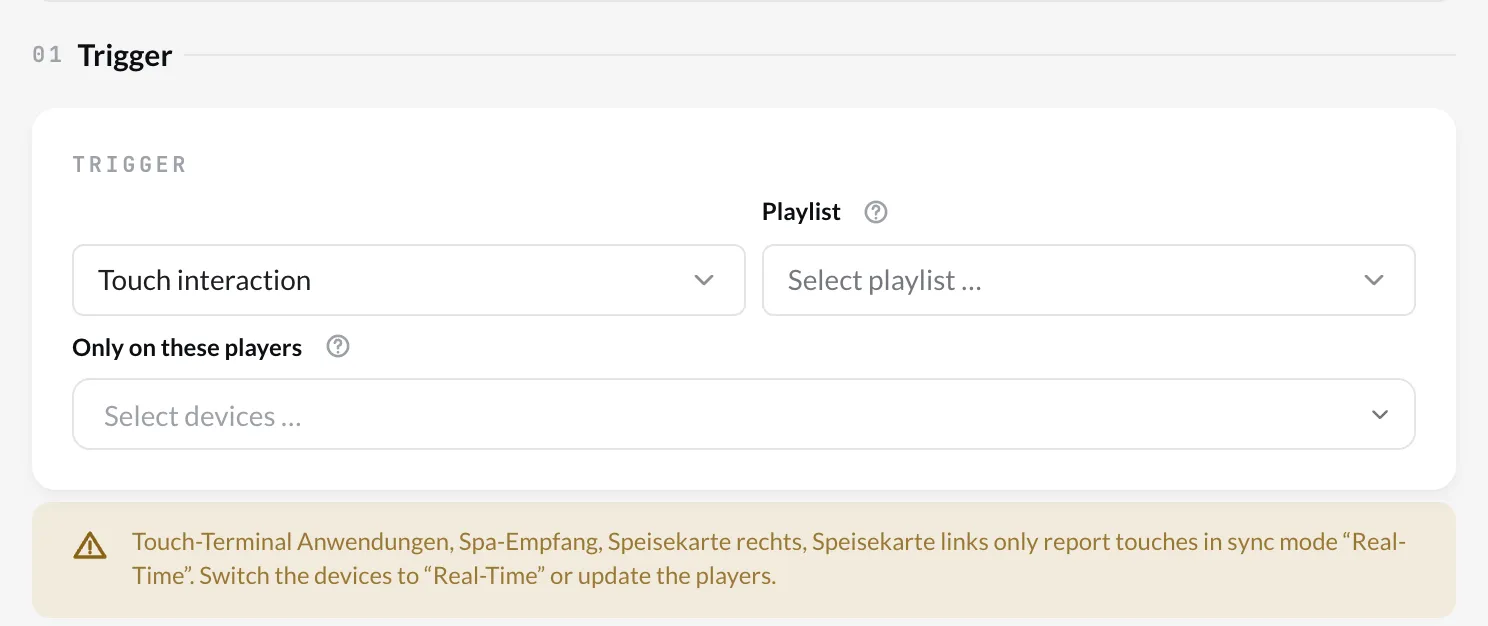
- You define touch elements in the Designer: select the element › turn on Touch interaction. See Touch interaction.
- A Schedule without start and end date applies immediately and never expires. A schedule runs on at least one weekday.
- The webhook can be called by any system that can call a URL – such as a booking or POS system. Treat the URL like a password.
- RFID tag is available as soon as your account has an RFID hub. The event comes from the hub, not from a player – that is why there is no Only on these players and no triggering device.
- Which triggers are available depends on the booked options (see Routines – Overview).