
Execution log
Every execution of a routine is logged. Open the log via the menu at the end of the row in the routines list › Log.
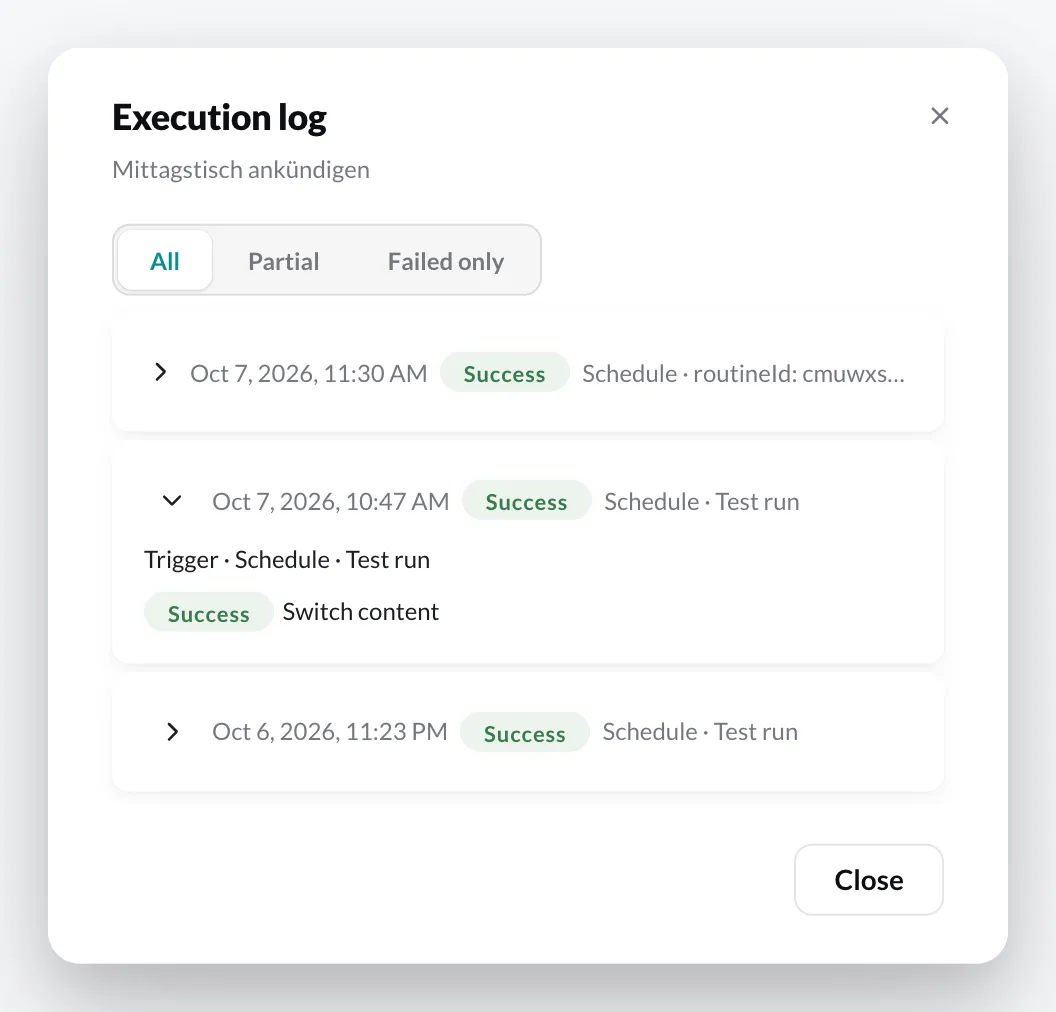
Each entry shows the time, result and trigger. Expand an entry to see the result of each individual action.
| Result | Meaning |
|---|---|
| Success | All actions succeeded. |
| Partial | At least one action failed, others succeeded. |
| Failed | The actions did not succeed. |
| Skipped | The trigger came, but the filters did not apply. |
If you expand a failed action, the reason is shown, e.g. player-offline (the player was not connected) or routines-not-licensed (the player is missing the Routines plugin). An overview of the reasons is in the RFID troubleshooting; they apply to all routines.
Entries marked On the device were run by the player itself, without a round trip through the cloud (touch interaction on the triggering device). The time is the player’s clock. Expand the entry to see when the report arrived – in sync mode Interval only with the next sync.
Use All, Partial and Failed only to filter the list. Entries from Test routine are marked as Test run.